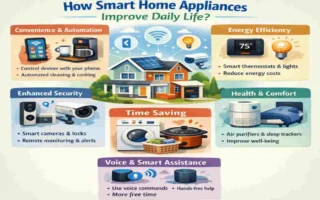
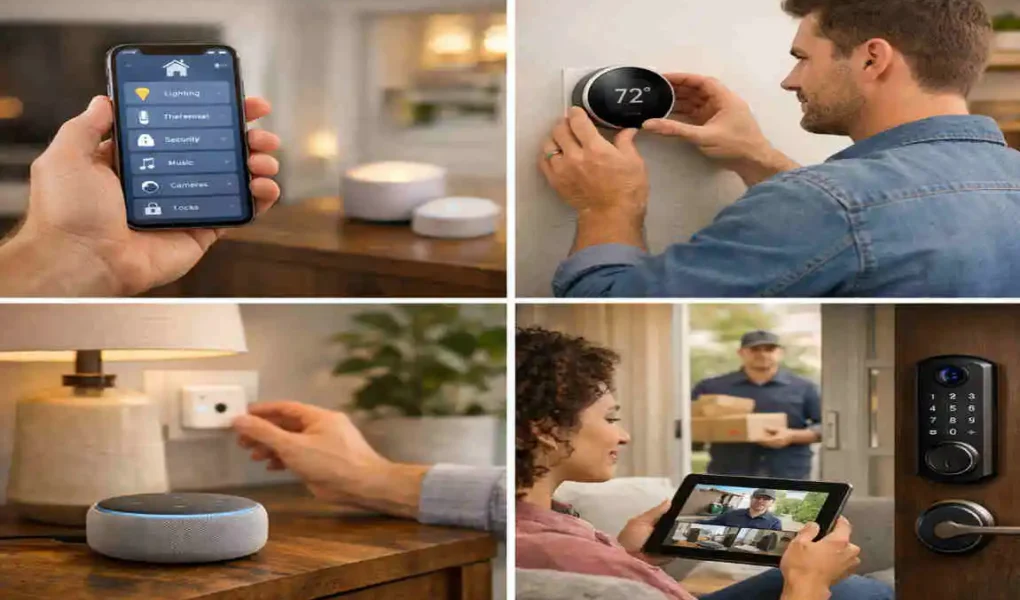
Smart home technology refers to devices that connect to the internet, allowing you to remotely monitor, control, and automate various aspects of your home. These devices include smart thermostats, security cameras, lighting systems, and more.
The popularity of smart home devices has skyrocketed in recent years due to their ability to make everyday tasks more convenient. From automating household routines to enhancing energy efficiency, smart homes are no longer futuristic concepts—they are a growing reality for many households.
For a smart home to truly function efficiently, seamless integration is crucial. Without proper coordination, devices might not communicate effectively or deliver the convenience they promise. By following a structured approach to integrating smart home technology, you can ensure that your home operates as a single, cohesive system.
Understanding Smart Home Technology
What is Smart Home Technology?
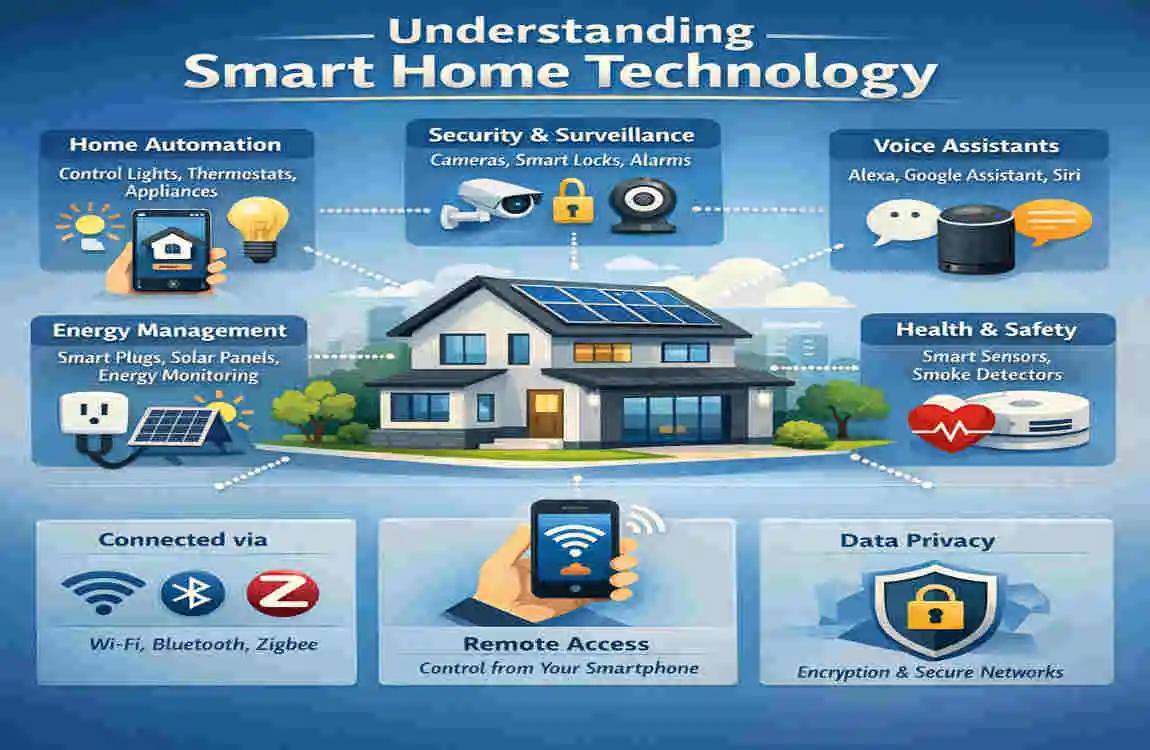
At its core, smart home technology refers to internet-connected devices that automate and enhance daily activities. These devices typically fall into the following categories:
- Smart Thermostats: Control your home’s heating and cooling remotely.
- Smart Lighting: Adjust brightness, color, and schedules for your lights.
- Security Cameras & Doorbells: Monitor your property in real time.
- Smart Speakers: Voice-activated assistants like Amazon Echo or Google Nest.
- Smart Appliances: Refrigerators, ovens, and washing machines that connect to your network.
Popular brands like Amazon, Google, Apple, and Samsung have developed ecosystems that support these devices, making them user-friendly and accessible.
Benefits of Smart Home Technology
- Enhanced Convenience and Automation
- Picture waking up to lights that mimic the sunrise, coffee brewing automatically, and your favorite playlist playing in the background. Smart homes make this possible by automating repetitive tasks.
- Energy Efficiency and Cost Savings
- Smart devices like thermostats and energy monitors help reduce waste by optimizing energy usage, potentially lowering monthly utility bills.
- Improved Home security and Monitoring
- With smart cameras, motion sensors, and automated locks, you can keep your home secure and monitor activity whether you’re home or away.
Challenges of Incorporating Smart Home Technology
It’s not all smooth sailing. There are challenges to be aware of:
- Device Compatibility: Not all smart devices work well together, especially if they belong to different ecosystems.
- Network Connectivity Issues: Poor Wi-Fi coverage can disrupt device functionality.
- Learning Curve: For first-time users, understanding how to use and configure devices can feel overwhelming.
By addressing these challenges early, you can ensure a smoother integration process.
Preparation Before Integration
Assessing Your Needs and Goals
Before diving into smart home technology, ask yourself these questions:
- What do I want to achieve? (e.g., better security, energy savings, or convenience)
- Which areas of my home would benefit most from automation? (e.g., living room, kitchen, or outdoors)
Budget Considerations
Smart home devices range in price, so it’s essential to establish a budget. Keep the following in mind:
- Initial Costs: Devices like smart thermostats can cost around $100-$300.
- Installation Costs: Some devices may require professional installation.
- Maintenance: plan for occasional software updates or hardware replacements.
Evaluating Your Current Infrastructure
- Wi-Fi Network: Ensure your Wi-Fi connection is strong and reliable throughout your home. Consider upgrading to a mesh Wi-Fi system if needed.
- Existing Devices: Check whether your current devices (such as smart TVs or routers) are compatible with the smart home ecosystem you plan to choose.
Step-by-Step Guide on How to Incorporate Smart Home Technology
Start Small
Begin with one device, such as a smart speaker. This allows you to familiarize yourself with the technology without feeling overwhelmed. Once you’re comfortable, you can add more devices over time.
Choose a Smart Ecosystem
Popular ecosystems include:
- Amazon Alexa: Known for its wide range of compatible devices.
- Google Home: Great for integration with Google services and Android devices.
- Apple HomeKit: Ideal for users deeply invested in the Apple ecosystem.
Pick the ecosystem that aligns with your needs and existing devices.
Invest in Compatible Devices
Ensure that all devices you purchase work within the chosen ecosystem. Here’s a quick compatibility table:
Ecosystem Compatible Devices Example Devices
Amazon Alexa Smart plugs, cameras, lights , Ring, Philips Hue
Google Home Thermostats, speakers, locks , Nest, Arlo
Apple Home Kit Lighting, sensors, cameras , Eve, Logitech Circle
Set Up and Configure Devices
- Unbox and install the device according to the manufacturer’s instructions.
- Download the companion app to configure settings.
- Connect the device to your Wi-Fi and integrate it into your chosen ecosystem.
Automate Your Smart Home
Use automation tools to simplify daily routines. For example:
- Routines: Schedule lights to turn on at sunset.
- IFTTT: Create custom automations like turning off lights when you leave modern home.
Step 6: Expand Gradually
As you grow comfortable, add more devices to your setup. Focus on scalability to avoid overwhelming your network or yourself.
Best Practices for Seamless Smart Home Integration
Ensuring Network Reliability
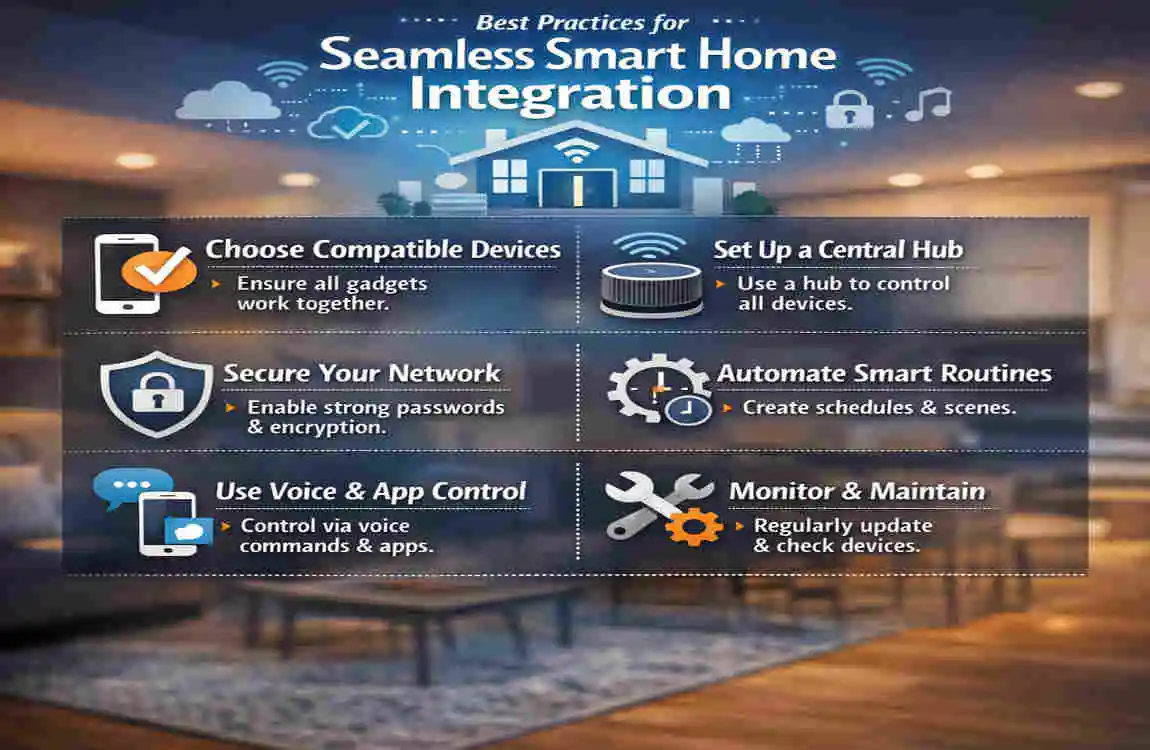
- Invest in a mesh Wi-Fi system for better coverage.
- Place your router in a central location to minimize dead zones.
Enhancing security
- Use strong passwords for all devices.
- Enable two-factor authentication where possible.
- Regularly update device firmware to patch vulnerabilities.
User-Friendly Management
- Set up voice controls for hands-free convenience.
- Teach family members how to use the system for a cohesive experience.
Common Mistakes to Avoid
Overloading Your Network
Avoid connecting too many devices at once, as this can slow down your internet speeds. Use a dual-band or tri-band router to distribute the load.
Neglecting Compatibility
Always verify that new devices are compatible with your existing ecosystem to prevent frustration later.
Ignoring security Risks
Skipping updates or using default passwords can leave your system vulnerable to cyberattacks. Take proactive measures to secure your devices.
Future Trends in Smart Home Technology
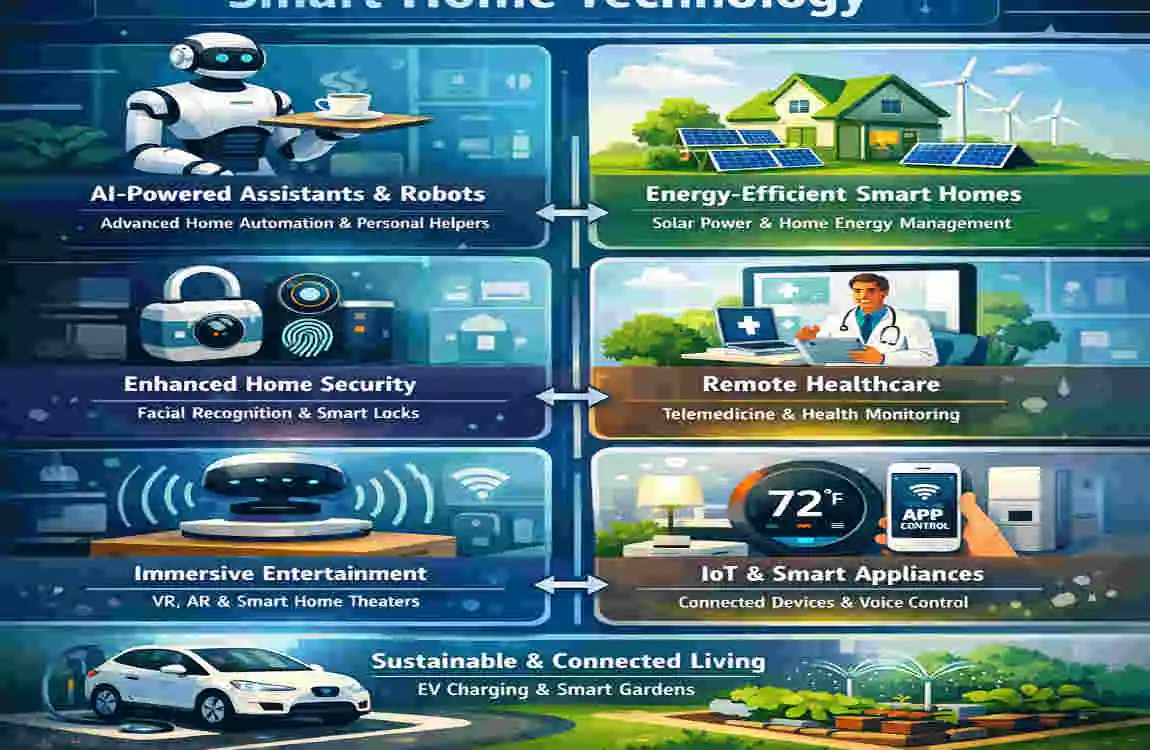
Emerging Innovations
The future of smart homes is exciting, with trends like:
- AI-Powered Devices: Smarter assistants that predict your needs.
- Sustainability: Energy-efficient devices that reduce environmental impact.
Preparing for Future Upgrades
Invest in modular, adaptable systems so you can easily incorporate future innovations without starting from scratch.
Just as trends like the messy hair filter continue to evolve and surprise users with creative new features, smart home technology is constantly advancing, making it essential to choose flexible systems that can grow and adapt alongside emerging innovations.
How to Seamlessly Integrate Smart Home Devices: FAQ
Q What is the first step to integrate smart home devices smoothly?
Start small by adding one device, like a smart speaker or thermostat. This helps you get comfortable before expanding your setup.
Q Which smart home ecosystem should I choose?
Pick an ecosystem—Amazon Alexa, Google Home, or Apple HomeKit—that best fits your existing devices and personal preferences.
Q How can I ensure my devices work well together?
Always check for compatibility within your chosen ecosystem and buy devices known to integrate seamlessly.
Q What should I do if my Wi-Fi signal is weak?
Consider upgrading to a mesh Wi-Fi system or repositioning your router for better coverage.
Q How do I secure my smart home devices?
Use strong, unique passwords, enable two-factor authentication, and keep device software updated regularly.
Q Can I automate my smart home devices?
Yes! Use built-in routines or services like IFTTT to create automated actions and schedules.
Q How do I avoid overwhelming my network?
Add devices gradually and monitor your network’s performance, upgrading your router if necessary.
| Step | What to Do | Why It Matters |
|---|---|---|
| Choose a smart ecosystem | Pick one platform like Google Home, Amazon Alexa, or Apple HomeKit. | Keeps devices compatible and easier to manage. |
| Check device compatibility | Make sure all devices work with your chosen ecosystem and each other. | Prevents setup issues and integration problems. |
| Strengthen your Wi-Fi | Use a strong router or mesh Wi-Fi system for full-home coverage. | Ensures devices stay connected and respond reliably. |
| Set up automation routines | Create schedules and routines for lights, thermostats, and security devices. | Makes your smart home more efficient and convenient. |
| Secure your network | Use strong passwords, updates, and two-factor authentication. | Protects your smart devices from unauthorized access. |