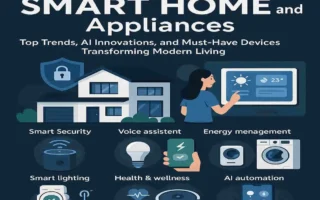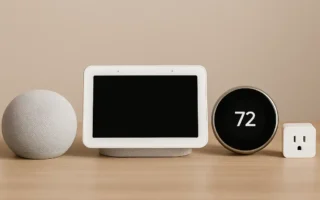
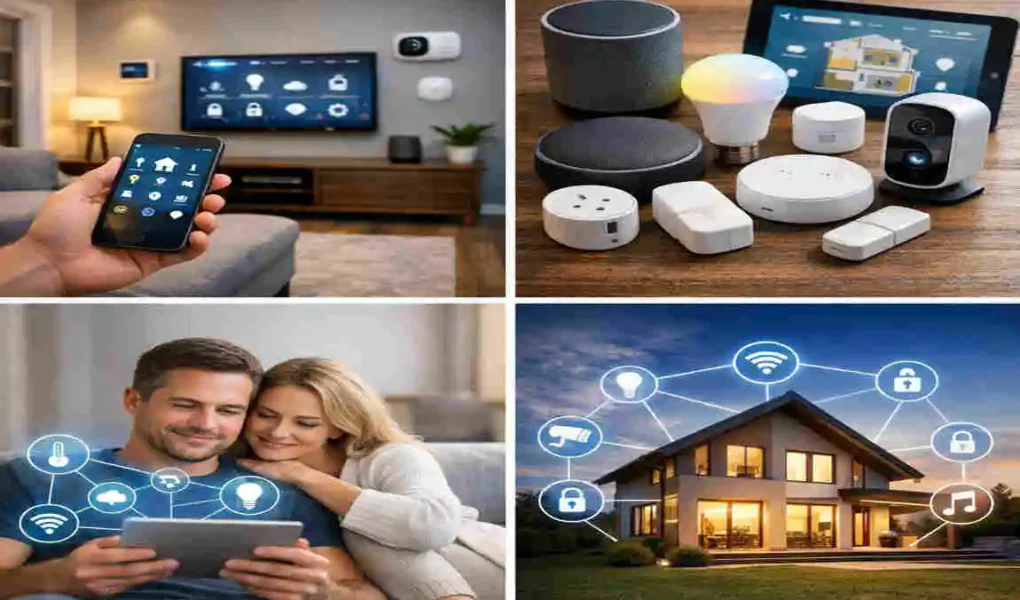
Imagine this: You are pulling into your driveway after a long, exhausting day at the office. As your car enters the neighbourhood, your luxury house already knows you are on the way. The exterior lights flicker on to welcome you, the thermostat adjusts to your favourite cozy temperature, and your favouritefavourite “chill” playlist begins playing softly in the living room. You walk through the front door, and it unlocks automatically when it senses your phone in your pocket. This isn’t a scene from a sci-fi movie anymore; this is the reality of living in 2026.
As we move further into this decade, learning how to incorporate smart home technology has shifted from being a luxury for tech enthusiasts to a practical choice for everyday families. In 2026, the market saw a massive jump in adoption, with nearly 30% more homes joining the automation bandwagon each year. Why? Because it makes life easier, safer, and significantly cheaper in the long run.
Why Incorporate Smart Home Technology
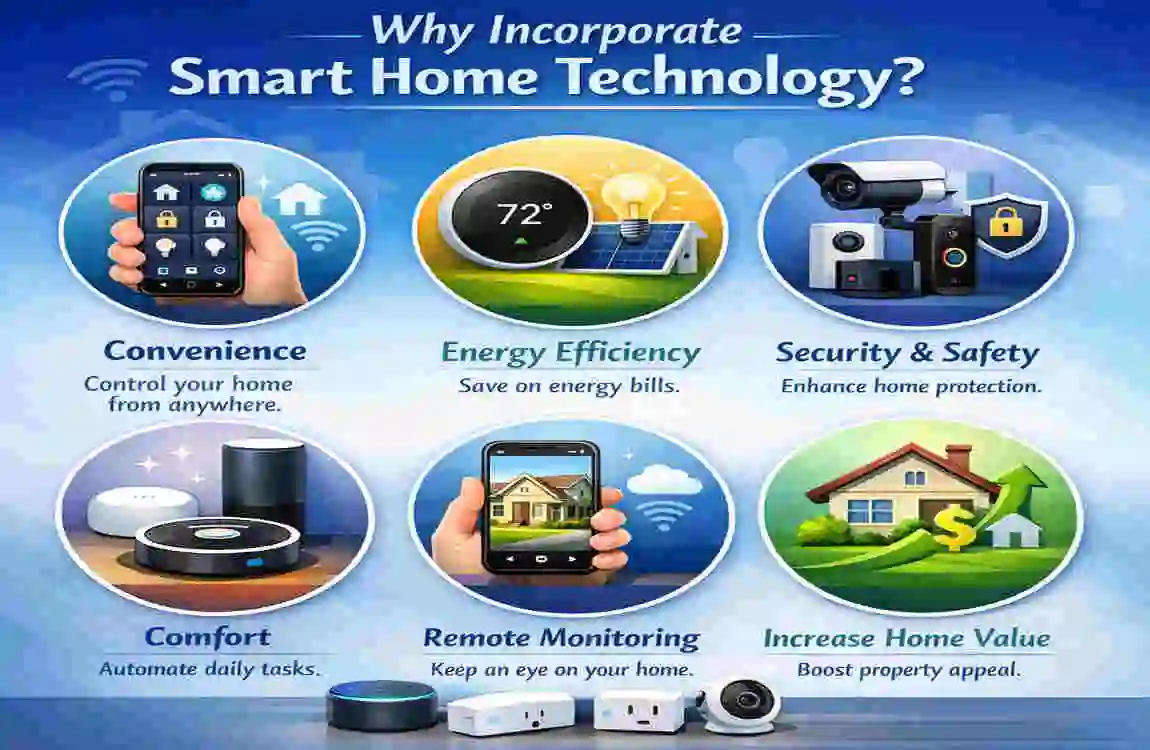
You may be wondering if all this high-tech gear is worth the fuss. The short answer is yes. But let’s look at the “why” behind the “how.” the technology has matured. The days of buggy apps and devices that refuse to talk to each other are mostly behind us. Today, automation is about solving real-world problems.
Trending Benefits for Beginners
The biggest draw for most people is convenience. Think about all the little things you do every day: flipping switches, checking if the door is locked, or adjusting the heater. Smart technology takes these micro-tasks off your plate. With voice assistants like Alexa, Google Home, or Siri, you can control your entire environment just by speaking.
Furthermore, remote control is a total game-changer. Have you ever been halfway to work and panicked because you couldn’t remember if you turned off the coffee pot? With a smart plug, you can check your phone and tap “off.” It’s that simple. It’s about giving you back time and reducing those tiny daily stresses that add up.
Cost Savings and Efficiency
Let’s talk about your wallet. One of the most compelling reasons to incorporate smart home technology is the impact on your utility bills. Smart thermostats, such as those from Nest or Ecobee, are designed to learn your habits. They don’t just run on a timer; they know when you are home and when you are away.
By optimising your heating and cooling, these devices can save you 10% to 15% on your annual bills. In a world where energy costs continue to fluctuate, that’s real money back in your pocket. Similarly, smart lighting ensures that no bulb is burning energy in an empty room. When you add it all up, the system eventually pays for itself.
Enhanced security and Peace of Mind
Safety is a top priority for everyone. Smart home technology provides a layer of security that traditional locks and alarms can’t match. With smart cameras like Ring or Eufy, you get instant alerts on your phone the moment someone steps onto your porch.
You can see, hear, and speak to visitors from anywhere in the world. Smart locks allow you to give temporary “digital keys” to guests or repair workers, so you never have to hide a physical key under a doormat again. It’s about the peace of mind that comes from knowing exactly what is happening at your house, even when you aren’t there.
Step-by-Step Guide: How to Incorporate Smart Home Technology
Starting your journey into home automation can feel overwhelming. There are thousands of products and dozens of brands. Where do you even begin? The secret is to take it one step at a time. You don’t need to turn your house into a spaceship overnight.
Assess Your Home and Needs
Before you buy a single gadget, take a walk through your house with a notepad. Ask yourself: “What are my biggest daily annoyances?” Do you always forget to turn off the kitchen light? Is your bedroom too cold in the morning? Do you worry about packages being stolen from your porch?
Conduct a Room-by-Room Audit:
- Living Room: Focus on lighting and entertainment.
- Kitchen: Look into smart plugs for small appliances.
- Bedroom: Think about smart blinds or bedside lighting.
- Entryways: Prioritise locks and cameras.
Once you have your “wish list,” set a budget. You can start a basic setup with just $200, which might include a couple of smart bulbs, a smart plug, and a small voice assistant. If you want a full-home transformation, you might look at spending $1,000 or more. Knowing your limits early prevents “gadget fatigue.”
Choose Compatible Smart Home Devices
Now comes the fun part: shopping! However, you need to be smart about what you buy. You want devices that play well together.
Essential Starter Devices: If you are starting, I highly recommend beginning with smart bulbs (like Philips Hue) and smart plugs (like TP-Link Kasa). These are the “low-hanging fruit” of automation. They are easy to install and provide instant gratification. A smart plug can make an “old” lamp or a fan “smart” just by plugging it in.
Advanced Options for Seamless Automation: Once you get comfortable, you can move on to the “big” items. A smart thermostat is usually the next logical step because of the energy savings. After that, look into smart locks (like August) and security cameras. These require a bit more setup but offer the most significant lifestyle changes.
Select the Right Smart Home Ecosystem
This is the most important decision you will make. An “ecosystem” is the brain of your smart home. It’s the app or voice assistant that controls everything. You want to pick one and stick with it as much as possible to ensure everything stays “seamless.”
- Amazon Alexa: Great for beginners and has the widest range of compatible devices.
- Google Home: Excellent if you already use many Google services (like Calendar or Android).
- Apple HomeKit: The best choice for privacy-conscious users who own iPhones and iPads.
- Samsung SmartThings: A powerful hub for people who want to dive deep into complex automations.
we have a significant advantage: the Matter standard. Matter is a new universal language that enables different brands to communicate. When you see the Matter logo on a box, you know it will work with Alexa, Google, and Apple. Always look for this logo to future-proof your home!
install and Set Up Your Devices
Don’t let the word “install” scare you. Most modern smart devices are designed for DIY setups. Usually, it’s as simple as screwing in a lightbulb or plugging a device into the wall.
The real work happens on your smartphone. You will need to download the manufacturer’s app, create an account, and connect the device to your Wi-Fi network. A quick tip: make sure your Wi-Fi signal is strong where you are placing devices. If your router is in the basement and you are putting a camera on the second floor, you might need a “mesh network” to boost the signal.
Create Automations for Seamless Control
This is where the magic really happens. A smart home isn’t just a home you can control with your phone; it’s a home that thinks for itself. This is done through “routines” or “automations.”
Most apps use a simple “If This, Then That” logic. For example:
- If the sun sets, then turn on the porch lights.
- If I leave the house (based on my phone’s GPS), then lock the front door and turn down the heat.
- If the motion sensor in the hallway detects movement at 2 AM, then turn the bathroom light on to 10% brightness (so you aren’t blinded!).
Start with one or two simple routines. Once you see how much they improve your day, you’ll find yourself coming up with all sorts of creative ways to automate your life.
Top Smart Home Devices for Beginners
To help you narrow down your choices, I’ve put together a list of the most reliable and user-friendly devices available right now. These are the “gold standard” for anyone looking to incorporate smart home technology without the headache of complicated setups.
Lighting and Plugs
For lighting, Nanoleaf and Wyze have become huge favourites in 2026. They offer affordable bulbs that can change colours to match your mood. If you want something Premium, Philips Hue remains the king of reliability. For plugs, look for brands that support the Matter standard so you can control your coffee maker or fan from any app you choose.
Climate Control
The Sensi and Honeywell Home series are fantastic for beginners because they look and feel like traditional thermostats but have all the smart “guts” inside. They are very easy to wire up. If you want something more “AI-driven,” the latest Nest models now use advanced sensors to detect which rooms you are actually using, saving even more energy.
Security Essentials
Eufy has gained a lot of ground because many of their cameras don’t require a monthly subscription to store your video. This is a huge plus for budget-conscious beginners. Blink is another great option if you want small, battery-powered cameras that you can hide almost anywhere.
Entertainment Hubs
Your TV and speakers are a big part of your home. Roku and Sonos have incredible integration features. You can set a “Movie Night” routine where your Roku TV turns on, your Sonos soundbar adjusts the volume, and your smart lights dim to 20%—all with one voice command.
Quick Comparison Table for Beginners
Device Type: Top Recommendation, Why It’s Great, Average Price (2026)
Smart Bulb Philips Hue / Wyze Easy setup, millions of colours $15 – $40
Smart Plug TP-Link Kasa (Matter) Turns any “dumb” device smart $10 – $20
Voice Assistant Amazon Echo (4th Gen+) Most compatible with other gear $50 – $100
Thermostat Nest Learning Thermostat Saves the most money on bills $130 – $250
Smart Lock August Wi-Fi Smart Lock: Keeps your existing deadbolt $150 – $200
Security Camera Eufy Cam 3 No monthly fees, 4K video $100 – $180
Common Mistakes to Avoid When Incorporating Smart Home Technology
Even with the best intentions, it’s easy to make mistakes when you are just starting. I’ve seen many people get frustrated and give up after hitting a few avoidable speed bumps. Let’s make sure that doesn’t happen to you.
Overbuying Incompatible Devices The biggest mistake is buying whatever is on sale without checking if it works with your ecosystem. If you use an iPhone, make sure the device says “Works with Apple Home.” If you buy a bunch of random brands that don’t talk to each other, you’ll end up with ten different apps on your phone to turn on the lights. Stick to the Matter standard whenever possible!
Ignoring Cybersecurity. Since these devices are connected to the internet, you must take security seriously. Always change the default passwords on your devices. Use Two-Factor Authentication (2FA) on all your smart home accounts. This ensures that even if someone gets your password, they can’t access your cameras or locks without a code from your phone.
Poor Wi-Fi Planning: Your smart home is only as good as your internet. If you have 30 devices all trying to talk to one old router, your lights will be slow to respond. Consider upgrading to a Mesh Wi-Fi system (like Eero or Google Nest Wi-Fi). These systems use multiple “points” around your house to ensure every corner has a strong, fast connection.
Future-Proofing Your Smart Home Setup
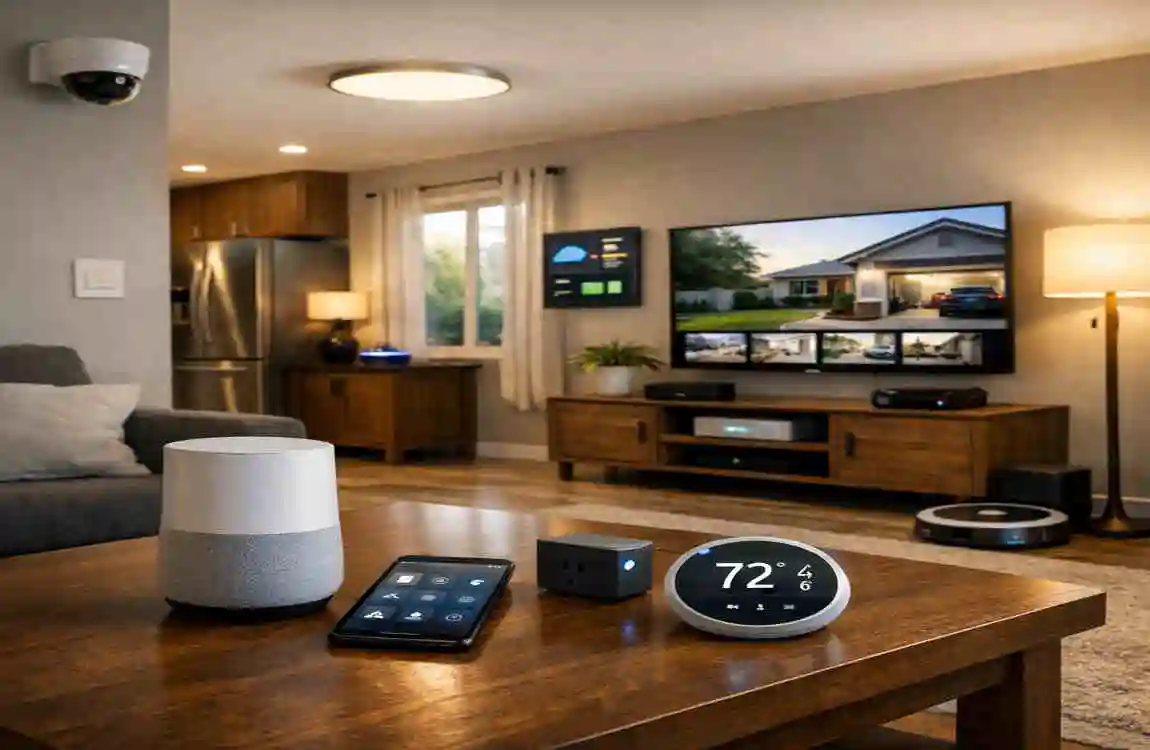
Technology moves fast. What is cutting-edge today might be old news in three years. However, you can “future-proof” your setup by focusing on scalability.
Start Small, Expand Later
Don’t feel pressured to buy everything at once. Start with the living room. Once you’re comfortable, move to the kitchen. This “modular” approach allows you to learn the ropes without feeling overwhelmed. It also lets you take advantage of newer, better versions of tech as they are released.
Trends to Watch
We are currently seeing a massive shift toward AI-powered assistants. In 2026, assistants are becoming much smarter than just “setting a timer.” They can now predict what you want based on your routine. For example, if you usually drink coffee at 7 AM but wake up at 8 AM on a Saturday, your coffee maker will wait for you to wake up before brewing.
Additionally, look for Matter 2.0 devices. This updated standard focuses even more on energy efficiency and better support for complex devices like robotic vacuum cleaners and large appliances. By choosing devices that support these standards, you ensure your home stays relevant for years to come.
FAQs
How much does it cost to incorporate smart home technology? You can start for as little as $50 with a voice assistant and a smart bulb. A comprehensive setup for a standard home usually ranges between $500 and $1,500, depending on the brands and the number of rooms you want to automate.
Do I need a hub for smart home automation? In 2026, many devices connect directly to your Wi-Fi or use your voice assistant (like an Echo) as a hub. However, for more complex setups or devices using Zigbee or Z-Wave, a dedicated hub like Samsung SmartThings remains a great option for improved reliability.
Is smart home tech safe for renters? Absolutely! Many smart devices are “non-permanent.” You can use smart bulbs in existing lamps and smart plugs in any outlet. There are even smart locks that fit over your existing deadbolt, so you don’t have to change the keys. Just take them with you when you move!
What are the best apps for beginners? The “Big Three” are the best starting points: the Amazon Alexa app, Google Home app, and Apple Home app. They are free, easy to navigate, and designed to help you organise your devices room by room.