
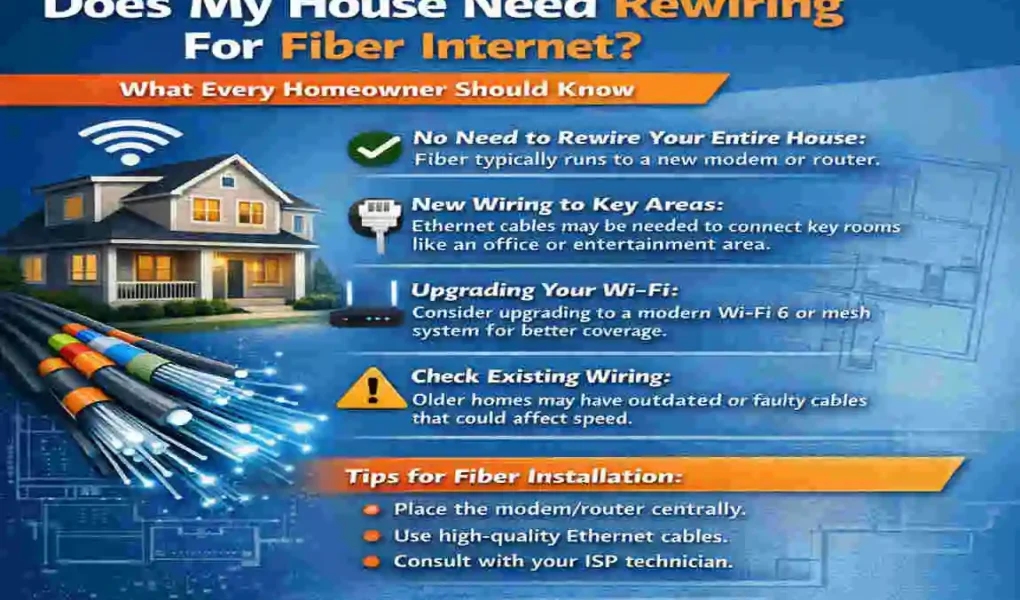
Fiber internet delivers fast speeds, steady connections, and low lag, making everyday tasks much smoother. If you are thinking about upgrading, it is normal to wonder: does my house need to be rewired for fiber internet?
| Topic | Details |
|---|---|
| Does fiber internet require rewiring? | Usually, no complete electrical rewiring is needed. |
| Fiber-optic cable | A new fiber cable may need to be installed. |
| Existing electrical wiring | Usually remains unchanged. |
| Ethernet cables | Existing cables may work if they support the required speeds. |
| Older homes | May need new cable routes or additional network connections. |
| Required equipment | Fiber ONT or gateway, router, and a suitable power outlet. |
| Installation cost | Depends on provider fees, cable routing, and extra equipment. |
| Professional help | Fiber technicians handle installation; electricians address electrical issues. |
| Main benefit | Faster internet, lower latency, and reliable connectivity. |
| Final advice | Ask your internet provider about your home’s specific installation requirements. |
In most cases, the answer is no. Fiber internet usually doesn’t require a complete electrical rewire. Instead, a technician installs a fiber-optic line and connects it to the right equipment inside your home.
Understanding Fiber Internet and How It Works
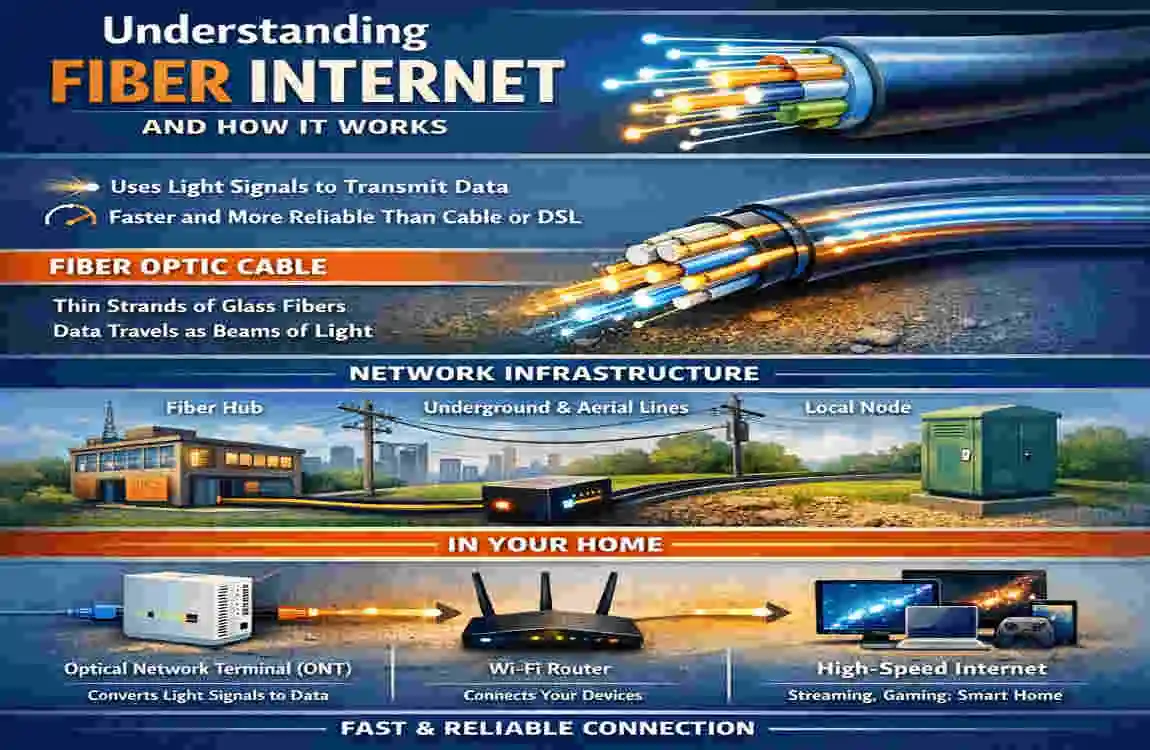
Fiber internet uses light signals to carry data through special cables. That is why it is usually faster and more reliable than older broadband types.
What fiber internet is
Fiber internet is a modern type of internet connection that sends information through fiber-optic cables instead of older copper lines. This lets data move faster with less delay.
How it differs from other cables
It helps to know the difference between a few common lines:
- Fiber-optic cables carry internet data
- Electrical wiring powers your home and devices
- Ethernet cables connect devices to your network
- Telephone lines are older communication lines and are not the same as fiber
How it reaches your home
A fiber line usually comes in from outside, then connects to a small device inside the home. That device may be an ONT or a fiber-compatible gateway. From there, your router sends Wi-Fi throughout the house.
Does My House Need to Be Rewired for Fiber Internet?
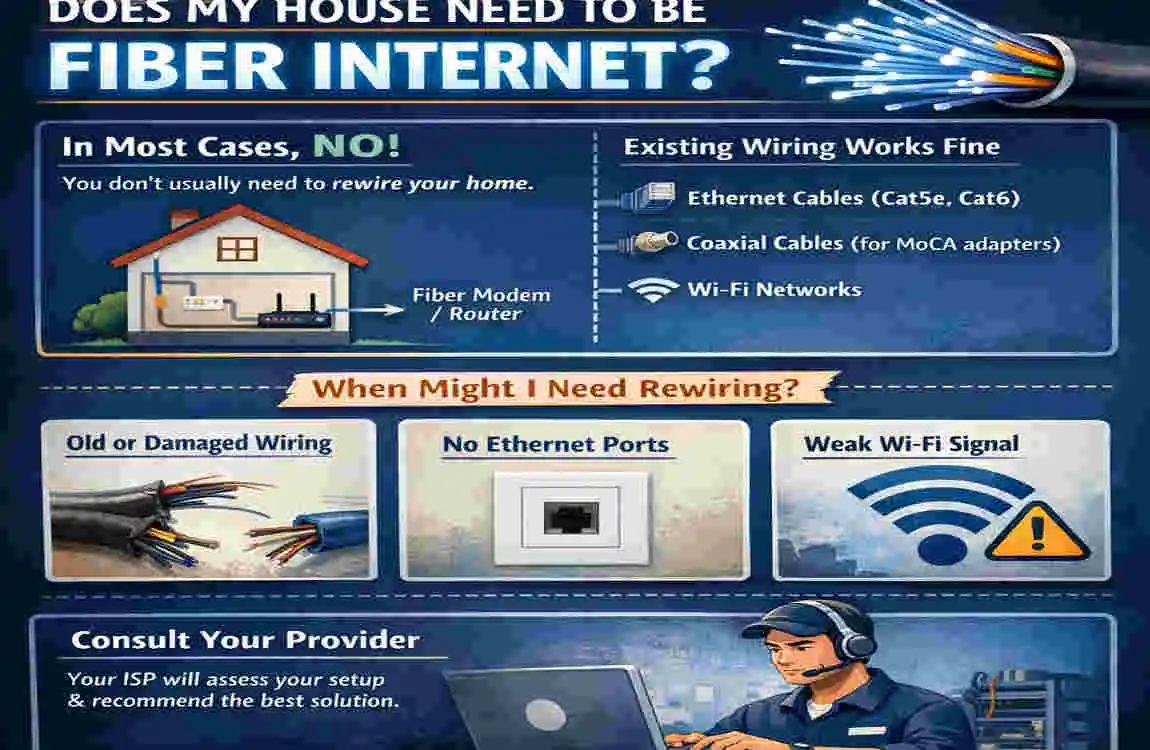
Most homes don’t need a complete rewire for fiber internet. In many cases, the provider only needs to run a new fiber line and connect it to the right equipment.
When rewiring is not needed
If your home already has working electrical outlets and a basic network setup, you usually don’t need to replace any wiring to get fiber internet.
When new cabling may help
Some homes may benefit from new Ethernet cabling inside the house, especially if you want strong wired connections in different rooms. This is common in older homes or larger homes.
Electrical wiring vs. internet wiring
It is important not to confuse internet cabling with electrical wiring. Fiber installation brings data into the home, while electrical wiring powers it. Those are separate systems.
Fiber Internet Installation Requirements for Different Homes
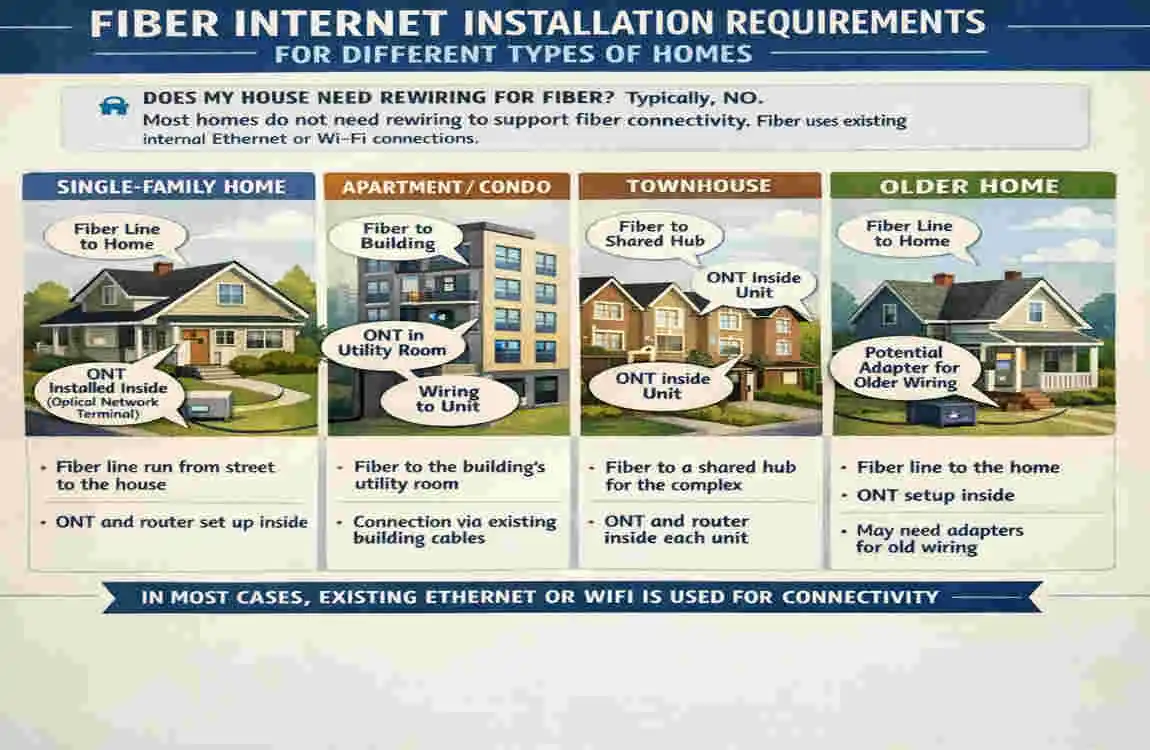
Older homes
Older homes may have thick walls, fewer cable paths, or limited access points. In these cases, installers may use surface-mounted cables or find the best available route.
Newer homes
Newer homes often make installation easier because they may already have conduits, built-in network points, or structured wiring.
Apartments and rentals
If you live in an apartment or rental, the process may depend on building access and landlord permission. Shared building wiring may also matter.
Large or multi-story homes
Bigger homes may need extra Ethernet runs or a mesh Wi-Fi system to ensure the signal reaches every room.
Quick comparison
Home type Possible installation need
Older home New cable path or surface-mounted line
Newer home Easier setup with existing wiring
Apartment Permission and building access
Large home Extra Ethernet or better Wi-Fi coverage
Preparing Your Home for Fiber Internet Installation
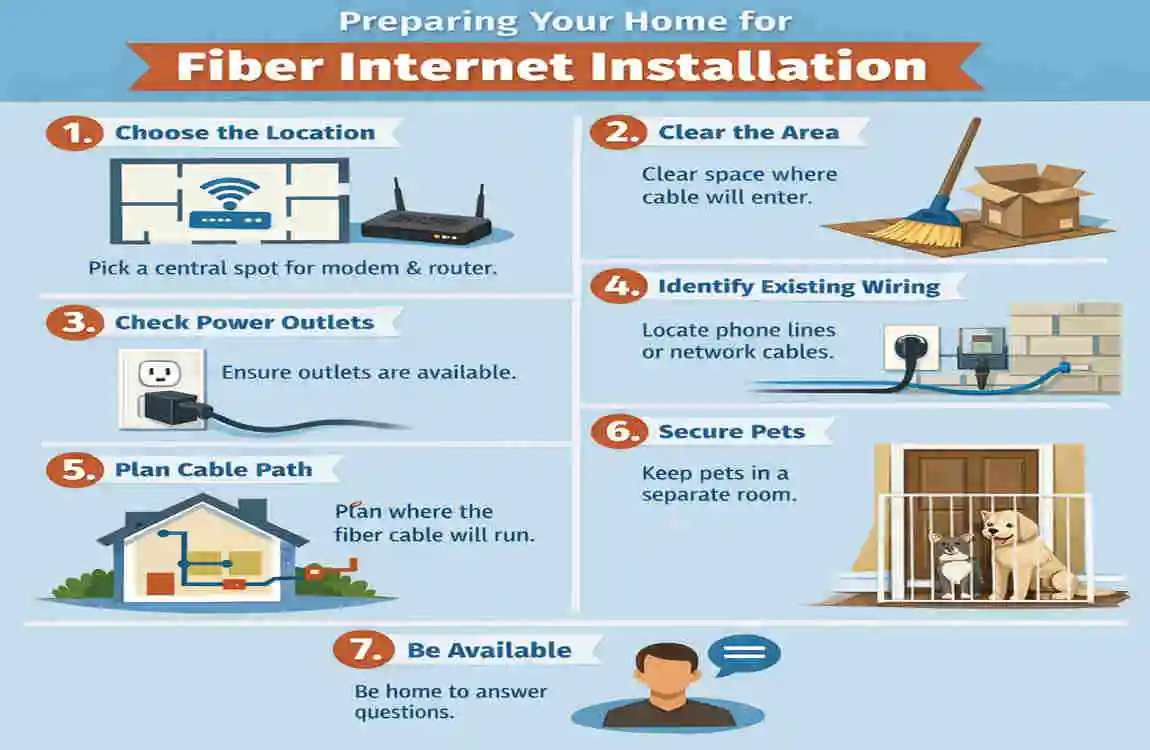
A little planning can make installation easier and faster.
What to do before the technician arrives
- Pick a good spot for the ONT, router, and modem or gateway
- Make sure there is a power outlet nearby
- Check where cables can enter the home
- Ask whether drilling or wall access may be needed
- Think about where you use devices like TVs, computers, and gaming systems
A few smart checks
Also ask whether your current router can handle the speed you are paying for. If not, you may need an upgrade.
Fiber Internet Rewiring Costs, FAQs, and Final Advice
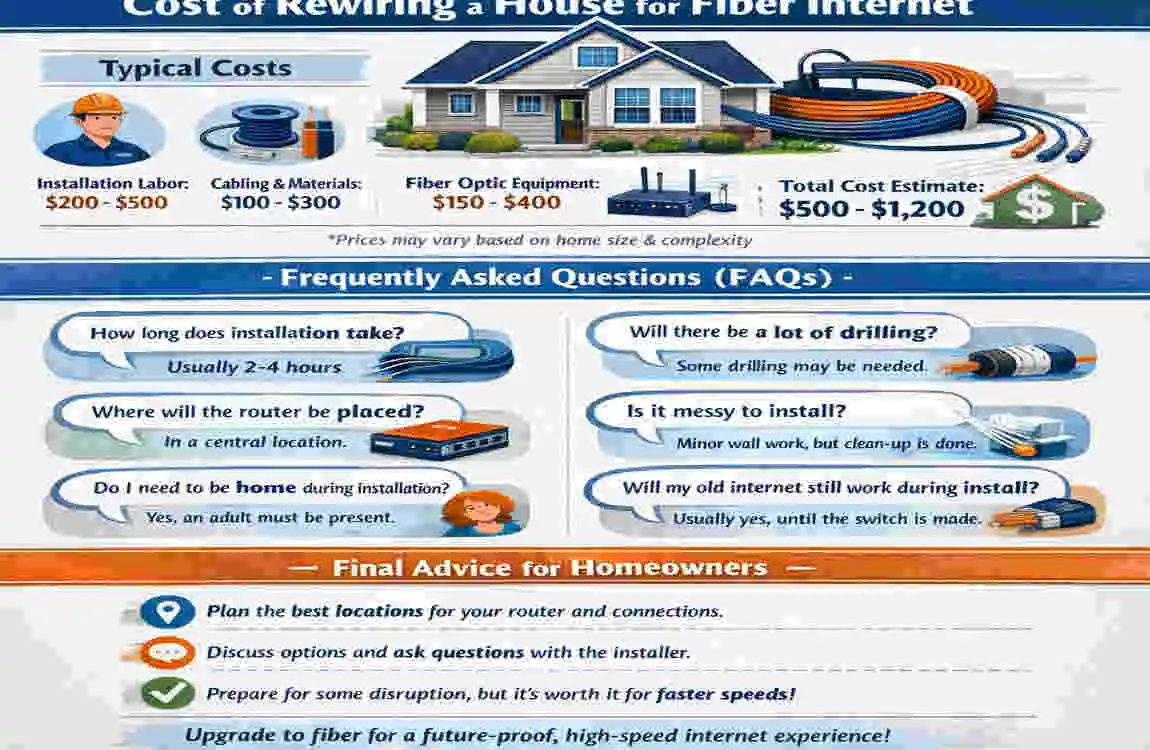
Fiber installation costs can vary. Some providers include basic setup, while others charge extra for internal cabling or specialized labor. Electrical rewiring is usually not part of fiber installation unless there is a separate safety issue in the home.
Simple advice for homeowners
For the smoothest setup, keep your installation area clear and tell the technician where you want the equipment placed. This helps with both Wi-Fi coverage and cable routing.
Common mistakes to avoid
- Confusing electrical wiring with internet cabling
- Placing the router in a weak spot
- Ignoring coverage needs in larger homes
- Assuming old equipment will support faster speeds
Frequently Asked Questions
Does my house need to be rewired for fiber internet?
No. Most homes only need a new fiber connection and compatible equipment.
Can fiber internet work with my existing electrical wiring?
Yes. Your electrical wiring still powers your home, while fiber carries the internet signal.
Do I need new Ethernet cables for fiber internet?
Not always. Existing cables may work if they support your speed needs.
Can fiber internet be installed in an old house?
Yes. Installers can often find a workable cable route.
Does fiber internet require a new modem or router?
Sometimes. You may need a fiber-compatible device or an ONT from your provider.