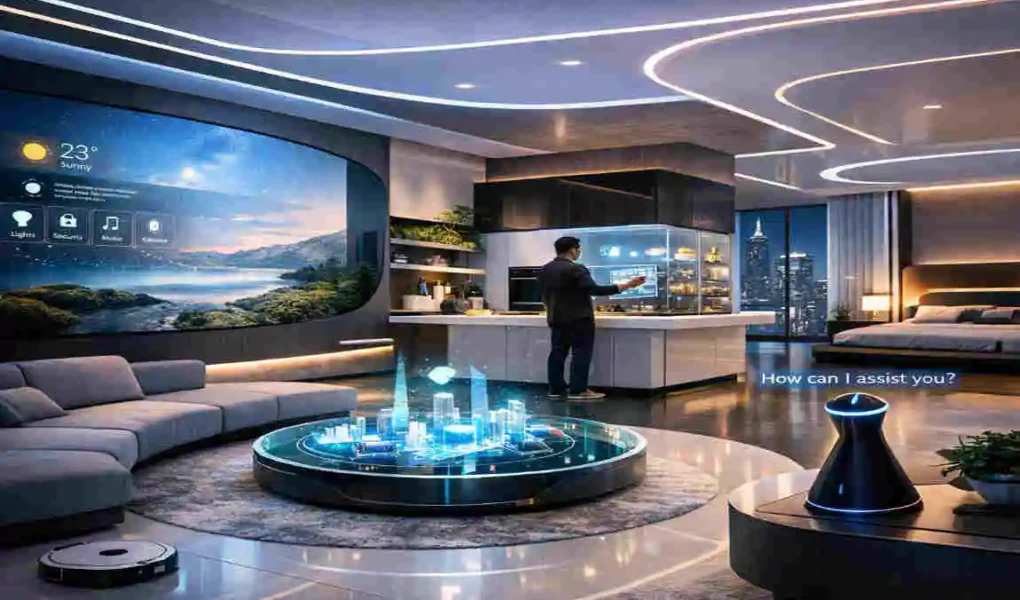
Install voice-activated or motion-sensing LED lights that adjust color, brightness, and mood based on time of day or occupant needs. Pair them with interactive walls that project immersive visuals, turning any room into a dynamic canvas.
Choose multifunctional pieces like AI-powered sofas that adjust firmness or tables that reconfigure for work and relaxation. Hidden storage keeps spaces clutter-free while organic curves add a calming, nature-inspired flow.
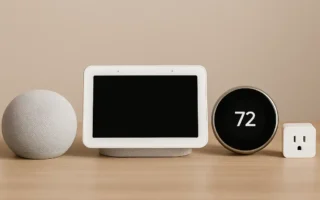
Embed voice assistants like smart speakers for controlling climate, security, and entertainment via apps or commands. Use reflective metals, glass, and sustainable materials for a minimalist look that prioritizes energy efficiency.
Why Smart Home Interior Design Matters in 2026
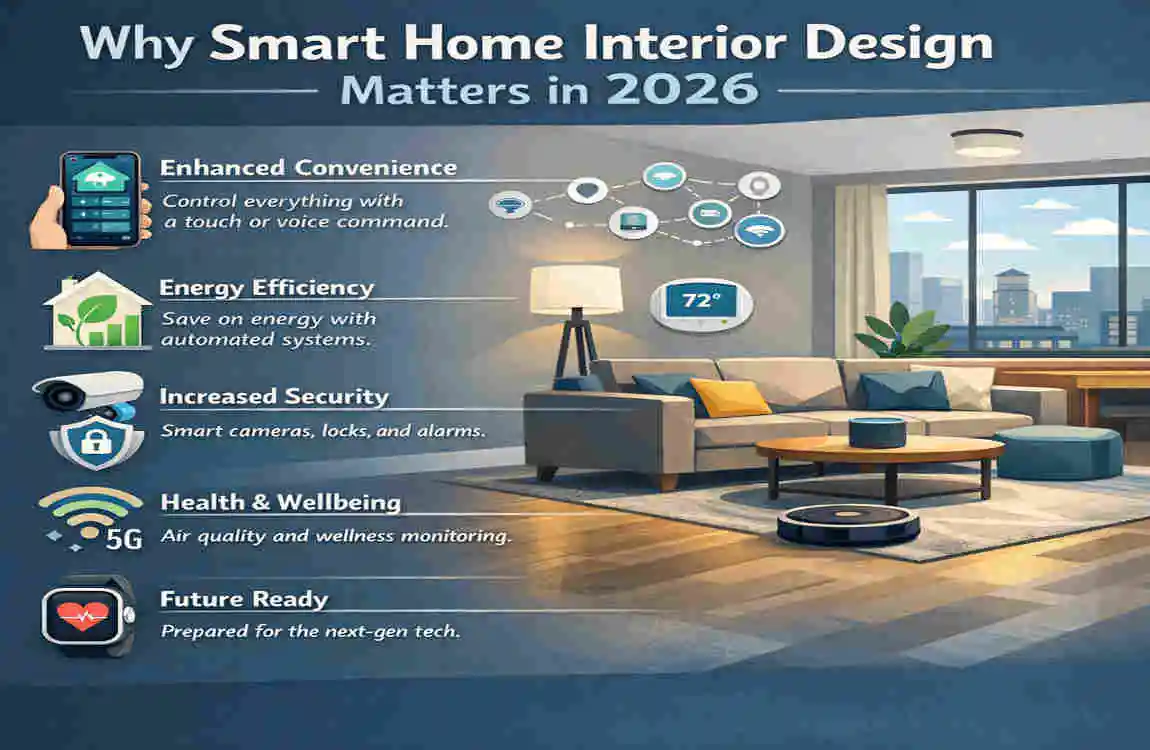
Smart homes are becoming common, but smart home interior design makes them livable.
A “smart home” without good design often turns into a mess: mismatched devices, random hubs, visible wires, glowing LED strips in the wrong places, and a dozen apps you don’t want to manage. Design is what turns all that into something that feels intentional.
The big shift: from devices to lifestyle
In 2026, the conversation has moved from “What gadgets do you have?” to “How does your home support your day?”
Energy and efficiency: the quiet payoff
Smart systems can reduce waste in ways you actually feel in your monthly bills. While savings vary by home and climate, smart HVAC schedules, occupancy-based lighting, and real-time energy monitoring can significantly cut consumption when used correctly.
The best part is you don’t have to “work” for these savings. A well-designed smart home reduces decision fatigue. It handles the repetitive stuff.
The most common pain point: cluttered tech
Let’s be honest: most people don’t hate smart features. They hate the look of them when they’re done poorly.
Bad smart design looks like this:
- Cameras mounted like security equipment, not decor.
- Speakers and hubs crowding every surface.
- Switches, remotes, and chargers multiplying.
Good smart design looks like this:
- Clean surfaces
- Hidden cabling
- Lighting integrated into architecture
- Fewer devices, better placement
Sustainability edge: style that saves resources
One of the strongest smart home trends 2026 brings is the mix of eco-friendly materials with intelligent control. Think bamboo, recycled wood, low-VOC paints, and energy-smart climate control working together.
Wellness boost: comfort you can measure
Wellness in interior design used to mean “add a plant.” Now it means:
- lighting that supports sleep,
- quieter rooms,
- better air,
- and calmer routines.
Smart features can support that without turning your home into a lab. A smart home should feel human, not clinical.
2026 Smart Home Interior Design Trend Snapshot (Table)
Trend Benefit Example Tech
Invisible Tech Clean, minimal look with fewer visual distractions Hidden LED channels, recessed sensors (Design Cafe)
AI Automation Personal routines without constant commands Habit-learning hubs, adaptive scenes (Alacritys)
Sustainable Smart Decor Lower waste and better efficiency Smart thermostats, energy monitoring, solar add-ons (Alacritys)
Essential Smart Lighting Ideas (Because Lighting Is the Mood)
If you only upgrade one thing first, make it lighting. Smart lighting systems change how your home feels instantly, and they’re one of the easiest ways to make smart home interior design look intentional instead of “added on.”
Motion-sensor lighting that feels natural
Motion sensors are not just for hallways. Use them where your hands are often full:
- entryways,
- laundry rooms,
- pantries,
- closets,
- bathroom night lighting.
The trick is placement and softness. You want light that guides you, not light that shocks you awake.
A great approach is low-level toe-kick lighting under vanities or kitchen cabinets. It turns on gently at night and keeps the room peaceful.
Voice control (but don’t rely on it for everything)
Voice control sounds futuristic, but it shouldn’t be the only way you control lights. You’ll still want:
- physical switches that make sense,
- app controls for deeper settings,
- automations that run on their own.
When voice control supports your routine—like “movie time” or “goodnight”—it feels magical. When you have to talk to your house constantly, it gets old fast.
Popular systems include Philips Hue and Nanoleaf panels, but your best choice depends on your hub’s compatibility and how you want the lighting to look, not just function.
Circadian rhythm lighting for real-life energy
Circadian lighting shifts color temperature throughout the day:
- brighter, cooler light in the morning,
- softer, warmer light at night.
Sculptural fixtures that still feel warm
Here’s where design meets tech: instead of adding smart bulbs to random lamps, consider statement fixtures that become part of the architecture:
- curved pendants over dining tables,
- layered sconces in hallways,
- recessed perimeter lighting in living rooms.
Many 2026 interiors lean toward clean lines and soft curves (DesignCafe). Smart lighting amplifies that by making the atmosphere adjustable.
Pro tip: zone your lighting for multi-use rooms
One overhead light can’t do everything well. In open-plan living, create zones:
- reading corner,
- TV area,
- dining area,
- workspace.
Each zone gets its own scene and intensity. This is how smart home interior design avoids that flat, one-note lighting that makes even expensive furniture look average.
Futuristic Furniture and Layouts (That Still Feel Cozy)
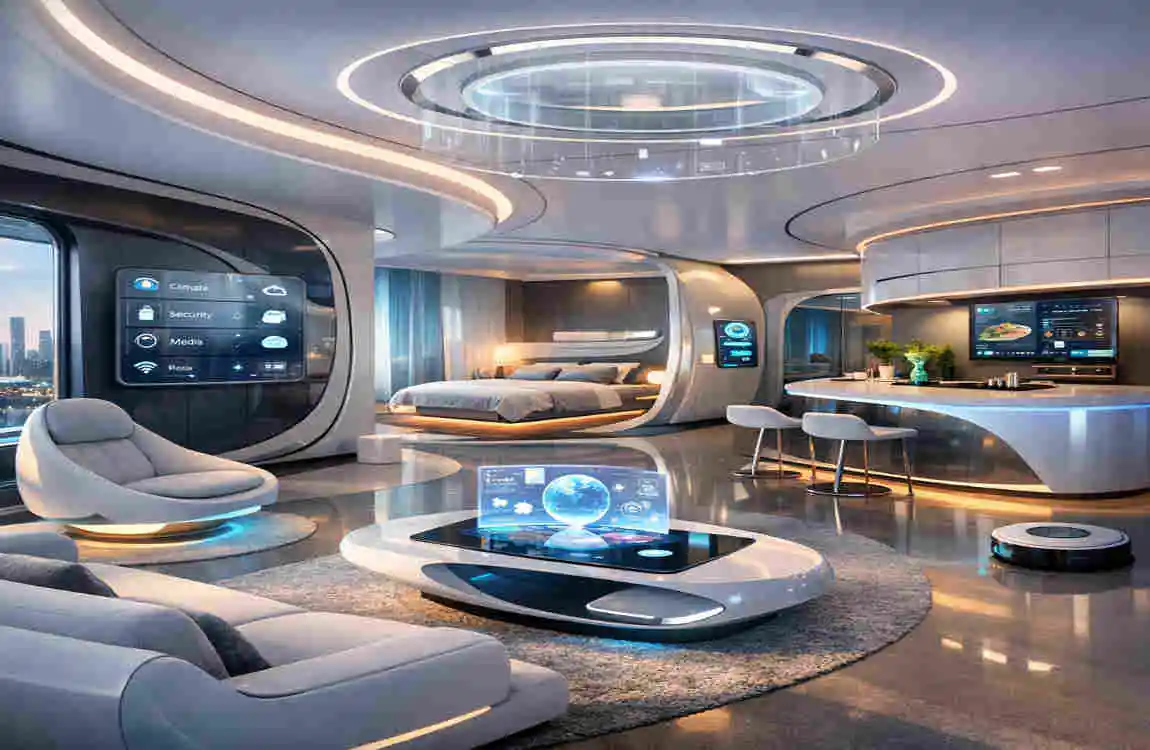
“Futuristic” doesn’t have to mean cold. The best futuristic smart home ideas keep comfort at the center, then add flexibility.
Modular, multifunctional furniture wins in 2026
Homes have to do more now. One room might be:
- a living room,
- a workout spot,
- a home office,
- and a guest space.
That’s why modular sofas, nesting tables, and flexible seating are so popular. Look for:
- built-in charging (USB-C and wireless),
- hidden storage in ottomans or benches,
- lightweight pieces you can move without effort.
The design goal is simple: your space should adapt to you, not trap you in one layout.
Curved shapes and “soft minimalism”
Hard angles can feel sharp and busy, especially in smaller rooms. Curved furniture:
- improves flow,
- softens the look of screens and devices,
- and makes spaces feel more welcoming.
Pair curves with warm neutrals, textured fabrics, and natural finishes to balance the high-tech elements.
Hidden storage walls (the unsung hero)
If you want smart home interior design to look premium, reduce visible clutter. A storage wall can hide:
- routers and hubs,
- charging stations,
- robot vacuum docks,
- game consoles,
- even printers.
When everything has a “home,” your actual home looks calmer.
Smart dividers for open-plan zoning
Open-plan spaces look great, but they can feel messy when everything blends. Smart dividers can help:
- sliding panels,
- open shelving with integrated lighting,
- motorized curtains or screens.
These let you create privacy or separation without building walls. It’s a clean way to make open spaces feel intentional.
Kitchen and Dining Transformations (Where Smart Should Look Invisible)
Kitchens sell homes—and they also reveal bad smart design fast. You don’t want a kitchen that looks like a gadget showroom. You want one that looks like a modern kitchen and runs brilliantly.
Touchless and voice-assisted features that actually help
A touchless faucet is a perfect example of “smart” that feels normal. Same with:
- hands-free trash systems,
- motion lighting in drawers,
- voice timers when you’re cooking.
These features reduce friction in daily life. They aren’t just for show.
AI fridges and inventory… with a realistic mindset
AI inventory sounds amazing: your fridge tracks what you have, suggests recipes, and reminds you before food expires. That’s useful—if you keep it simple and don’t expect perfection.
Design-wise, focus on panel-ready appliances or finishes that match your cabinetry so the tech doesn’t dominate the room.
Matte finishes and calm materials
Glossy kitchens can feel busy, especially when you add screens and reflections. Many smart home decor trends 2026 lean toward:
- matte cabinet fronts,
- soft-touch finishes,
- textured stone or sintered surfaces.
This creates a calm backdrop so your smart features feel integrated, not loud (Alacritys).
Induction cooktops with recipe integration
Induction already feels futuristic because it’s fast, clean, and sleek. Smart versions can integrate:
- guided cooking,
- temperature control,
- safety shutoffs.
If you want a futuristic home design upgrade that also looks beautiful, induction is one of the best “form + function” moves.
Dining: subtle tech, warm experience
In the dining area, focus on atmosphere:
- dimmable pendant lights,
- hidden speakers,
- climate comfort.
You’re not trying to automate dinner. You’re trying to make the room feel inviting every time you sit down.
Bedroom Bliss with Smart Features (Sleep Comes First)
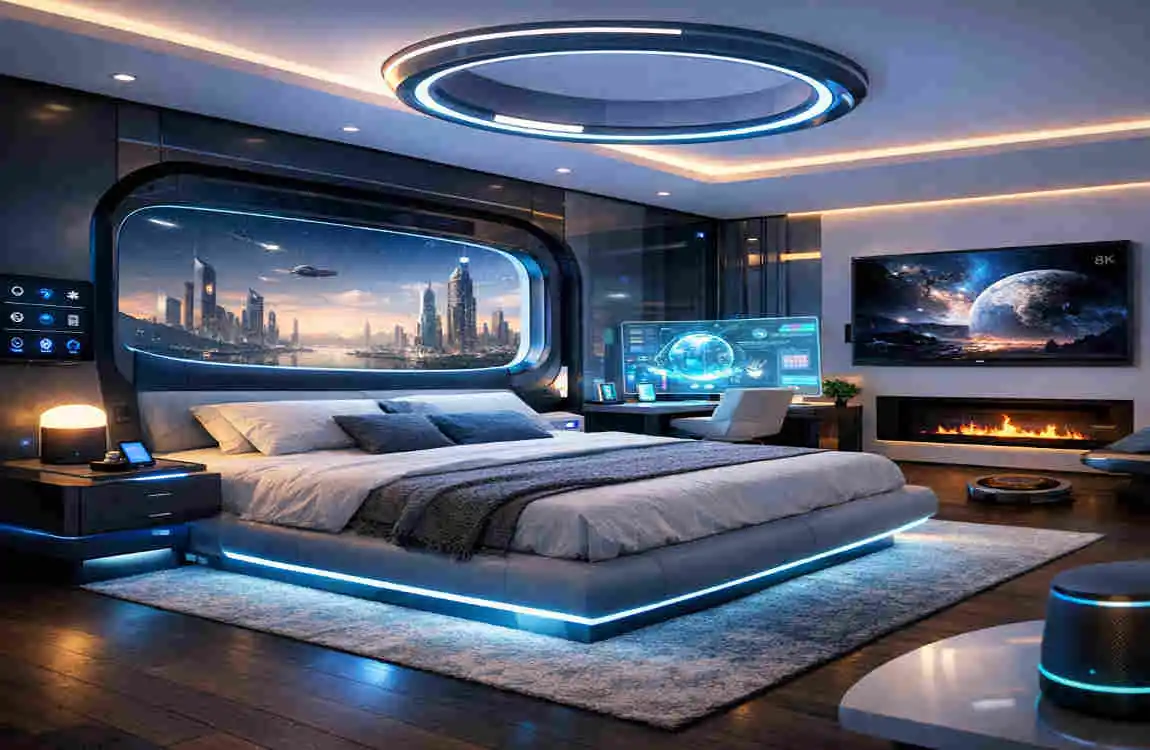
Bedrooms are not the place for noisy, flashy tech. The best smart home interior design choices in a bedroom are quiet and supportive.
Blackout blinds that protect your sleep
Motorized blackout blinds can:
- close automatically at bedtime,
- open gently in the morning,
- respond to sunrise schedules.
They also clean up the room’s look, so you can avoid bulky curtain setups if that’s not your style.
Temperature-regulating comfort (without fiddling)
Sleep quality often comes down to temperature. Smart upgrades include:
- smart thermostats with night schedules,
- quiet fans that adapt,
- temperature-regulating mattresses.
You don’t need every option. Pick one or two that solve your real pain point: too hot, too cold, or inconsistent comfort.
Ambient sound and calming scenes
A “sleep” scene might include:
- warm bedside lighting,
- low white noise,
- thermostat adjustment,
- blinds closed.
This is where AI home automation shines: it turns bedtime into a one-step routine (Good Housekeeping).
Keep screens under control
Smart doesn’t mean more screens. If you want a truly restful bedroom:
- hide TV hardware,
- keep bright LEDs out of sight,
- use warm light at night.
This is the difference between a bedroom that looks modern and a bedroom that feels like an electronics aisle.
Bathroom Upgrades for Luxury (Spa Energy, Everyday)
Bathrooms are perfect for smart features because small upgrades create a big “wow.”
Voice-activated showers and precise temperature
A smart shower can start warming before you step in and hold your preferred temperature. That’s not lazy—it’s practical comfort, especially in winter.
Smart mirrors: useful, not gimmicky
Smart mirrors can show:
- weather,
- calendar,
- lighting presets,
- and even guided routines.
If you do makeup or grooming, good lighting matters more than fancy overlays. Prioritize a mirror that delivers excellent, adjustable light first. Everything else is extra (Design Cafe).
Fogless heated floors and quiet ventilation
Heated floors and humidity-aware ventilation feel like luxury, but they also reduce mold risk and keep the space comfortable. The key is subtlety: hidden vents, clean lines, and controls you don’t have to think about.
Night lighting that doesn’t blind you
Add soft motion lighting under the vanity or along the baseboard. At night, it guides you without fully waking you—one of the simplest wellness upgrades you can make.
Living Room as Command Center (Without Looking Like One)
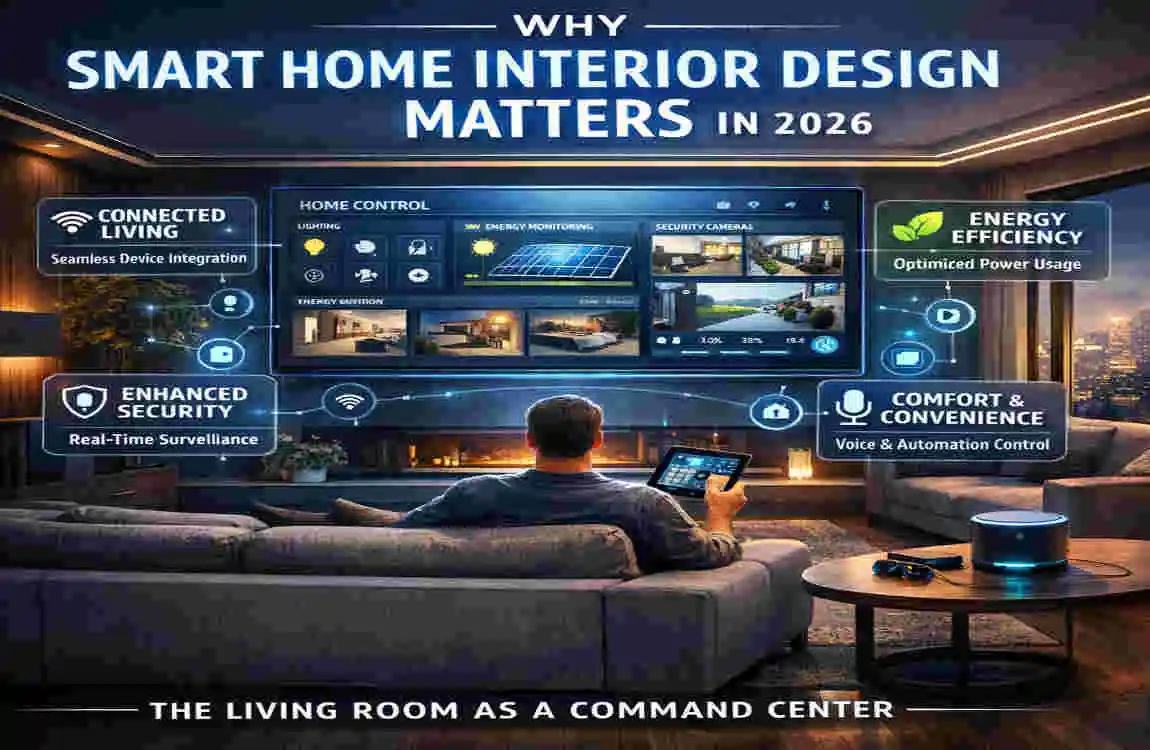
The living room often becomes the heart of the smart home. But you don’t want it to look like a control room. You want it to look like a beautiful living space that runs smoothly.
Hidden projectors and clean media walls
Instead of a big TV dominating the room, consider:
- a hidden projector,
- a retractable screen,
- or a flush-mounted display with a minimal frame.
Pair that with built-in cabinetry to hide:
- consoles,
- routers,
- set-top boxes,
- and cables.
This is how smart home interior design stays elegant.
Immersive sound without visible clutter
Sound bars are fine, but if you want a cleaner look:
- in-wall speakers,
- ceiling speakers,
- or discreet bookshelf speakers integrated into shelving.
You get better audio and a cleaner room.
Gesture controls and scenes (use them sparingly)
Gesture control feels futuristic, but it should be optional. The “real win” is scenes like:
- Movie Night (lights dim, blinds close, audio on)
- Guests (brighter lights, background music, comfortable temperature)
- Quiet Evening (warm light, low volume, screens off)
This is where the space starts to feel like it anticipates you (Alacritys).
A single hub mindset
You can absolutely mix brands, but you need a plan. A living room becomes stressful when you manage:
- different apps for lights,
- another for audio,
- another for TV,
- another for climate.
Outdoor-Indoor Seamless Extensions (The Future Feels Open)
The line between indoor and outdoor living keeps getting blurrier. In smart home interior design, that means your outdoor areas should feel like a “real room,” not an afterthought.
Automated pergolas and lighting scenes
With automated pergolas or motorized shade systems, you can control sun and comfort without wrestling with manual setups. Add layered lighting:
- soft perimeter lights,
- step lighting,
- dining lighting.
Smart planters and simple hydroponics
If you love greenery but forget to water plants, smart planters can help. Keep it realistic:
- start with one or two planters,
- use automation for consistency,
- Choose plants that match your climate and light conditions.
A small smart garden can add a “futuristic calm” without turning into a hobby you didn’t ask for.
Security and Privacy in Design (Protect Your Home Without Making It Ugly)
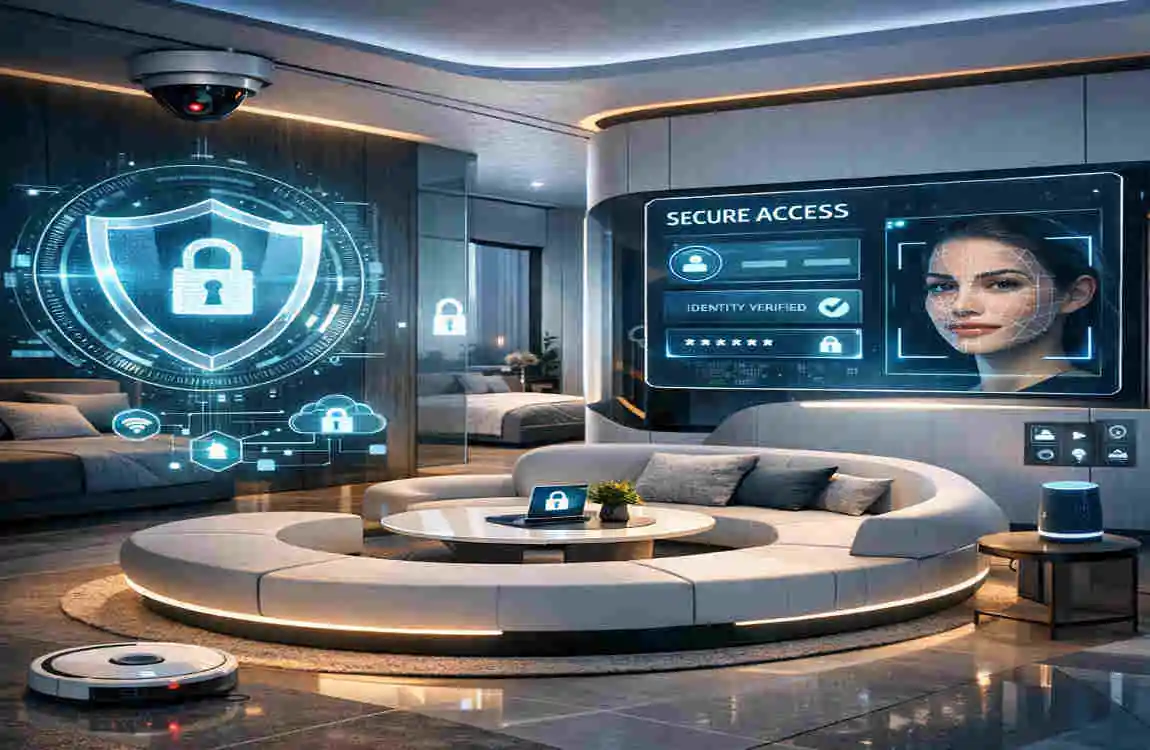
Security is part of smart living, but it shouldn’t make your home feel tense. The goal is peace of mind, not paranoia.
Biometric locks and frictionless entry
Smart locks with fingerprint or keypad access reduce key clutter and make entry easier for families. Design-wise, choose finishes that match your hardware:
- matte black,
- brushed nickel,
- warm brass.
Consistency matters. Little mismatches add up visually.
Cameras that blend into your decor
Avoid placing cameras like industrial equipment. Instead:
- choose discreet designs,
- integrate them into shelving or corners,
- avoid obvious “surveillance vibes” in cozy spaces.
You want security that protects, not security that changes the mood of the home .
Geo-fencing that supports routines
Geo-fencing can:
- Turn the lights on when you arrive,
- adjust temperature before you walk in.
- Trigger “away mode” when you leave.
But keep privacy in mind. Use strong passwords, enable two-factor authentication, and be selective about what data you share.
Budgeting Your Smart Home Interior Design (Starter to Premium)
You don’t need a huge budget to start. The smartest approach is to invest where you feel the difference every day—usually lighting, comfort, and convenience.
Starter plan: around $500 (high impact, low stress)
With this budget, focus on one area:
- smart bulbs or switches,
- a hub/assistant,
- motion sensors for key spots.
Mid plan: around $5,000 (one full room done right)
At this level, you can make a room feel genuinely futuristic:
- layered smart lighting,
- motorized blinds,
- upgraded audio,
- hidden cable management,
- a clean storage solution.
This is where design choices matter most. Spend on finishes and integration, not just devices.
Premium plan: $20,000+ (whole-home experience)
Whole-home upgrades may include:
- integrated lighting throughout,
- HVAC zoning,
- security and cameras,
- multi-room audio,
- professional installation and calibration.
This level delivers the most seamless experience because you can plan everything together (Alacritys).
ROI: what you get back
You’ll see returns in:
- lower energy waste,
- improved comfort,
- and sometimes home value appeal.
But the biggest “return” is a daily life that feels smoother. That’s what good design does.
Implementation Steps: How to Build a Smart Home That Looks Designed (Not Random)
You don’t need to do everything at once. In fact, you shouldn’t. The best smart home interior design evolves in phases.
- Audit your space and your real needs.
- Walk through your day. Where do you get annoyed? Bad lighting? Hot bedroom? Messy entryway? Start there.
- Choose your main hub (and commit to it)
- Pick a primary ecosystem (Alexa, Google, or another platform) and prioritize compatibility.
- Install in phases, room by room.
- Start with lighting, then comfort (blinds/thermostat), then entertainment and extras. This keeps your home usable during upgrades.
- Customize scenes and automations in the app.
- Build simple scenes first: Morning, Evening, Movie, Away, Sleep. Test for a week, then refine (Alacritys).
If you want trend inspiration while you plan, link this to your own content like 2026 Interior Trends (internal link placeholder).
Common Mistakes to Avoid (So Your Home Stays Beautiful)
Avoid these, and you’ll instantly make your space feel more polished:
- Overloading on gadgets instead of designing a system that supports your routine
- Ignoring compatibility, which leads to multiple apps and constant troubleshooting
- Neglecting aesthetics, like visible wires, mismatched finishes, and cluttered countertops
- Using harsh lighting, especially cool white light at night
- Skipping zones, which makes open spaces feel flat and confusing (DesignCafe)
Smart Home Interior Design: FAQ
What is smart home interior design?
Smart home interior design means weaving smart technology into your decor and layout so your home looks stylish while working more efficiently and comfortably. A big goal is using a centralized control system so daily actions (lights, comfort, routines) feel simple instead of scattered across devices.
Will a smart home make my space look “too futuristic”?
It shouldn’t. A core principle is that smart homes shouldn’t look like a sci‑fi set—they should reflect your personal style and feel like a real home, just more convenient.
What’s the #1 mistake people make when designing smart interiors?
Copying tech choices from another project without checking your current room needs can cause expensive mismatches (screen size, component space, HVAC requirements, etc.). One example cited is a design team specifying a huge screen based on a previous project even though the new room demanded different planning.
Do I need one main app or hub, or can I mix devices?
Mixing is possible, but it’s easier when your plan includes a centralized control system so the home behaves like one experience. That approach improves efficiency and day-to-day convenience.
What’s the best first upgrade if I’m a beginner?
Start with lighting automation because it has a big impact on mood and comfort without changing your whole layout. You can set lights to run on a timed schedule (for example, turning on before you arrive home), which is an easy “smart” win.
How do smart lights and smart blinds improve interior design?
Smart lights can turn on/off automatically and adjust based on time of day or who’s in the room, and smart blinds can help manage natural light, glare, and privacy. Lighting is also a foundational part of good interior design, so these upgrades boost both function and atmosphere.
Can smart tech actually look good, not just work well?
Yes—smart tech can enhance aesthetics by helping interior elements feel more visually appealing and personalized, not just “useful.” Done well, it supports a cleaner, more tailored look.
How do I hide tech like TVs so it doesn’t ruin my decor?
Plan the room with a hidden screen concept: TVs can appear like artwork, swivel away, or even rise from the floor/ceiling. With an integrated system, you can use voice commands to reveal the screen only when you want it.
Are smart speakers and devices going to clutter my shelves?
They don’t have to. Many voice-controlled speakers are designed to blend into your decor, and good projects focus on devices that feel seamlessly concealed rather than visually loud.
How “personal” can a smart home get?
Very personal—smart integration can go beyond paint and furniture by tailoring the home’s behavior to you. Some systems can learn preferences, like adjusting lighting to match a mood or setting temperature based on occupant comfort.