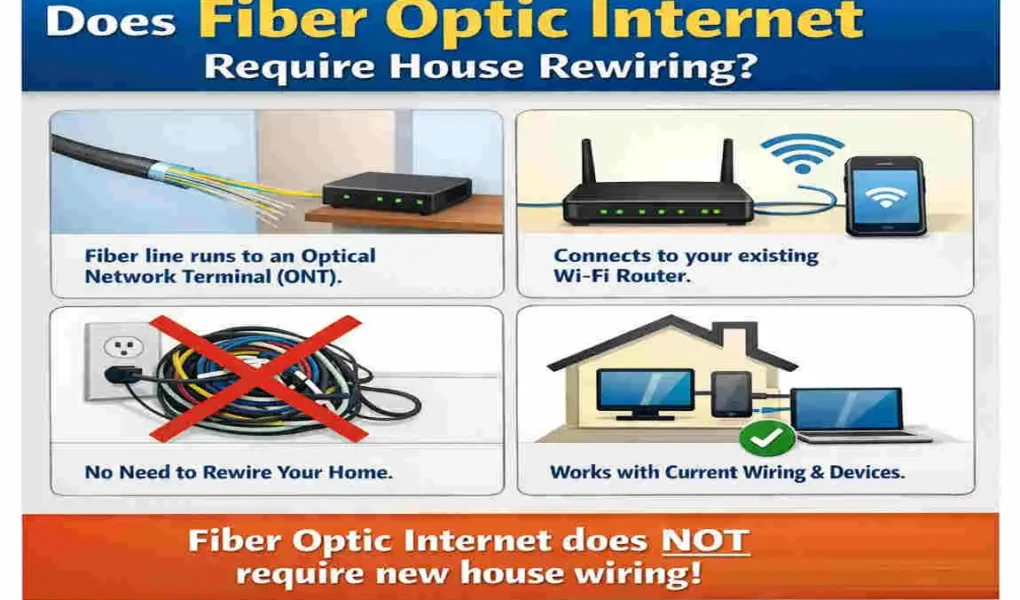
If you are asking, “Do IDo I need to rewire my house for fiber optic?” the short answer is usually no. In most homes, fiber internet only needs to be brought in once. After that, your current network setup, Wi-Fi router, or Ethernet cables can often handle the rest.
That is good news for homeowners, because it means fiber installation is usually much simpler than people expect. You do not normally need to tear open walls or replace every wire in the house. In many cases, the fiber line connects to an Optical Network Terminal (ONT), which works with your existing home network.
What Is Fiber Optic Internet?
How Fiber Optic Internet Works
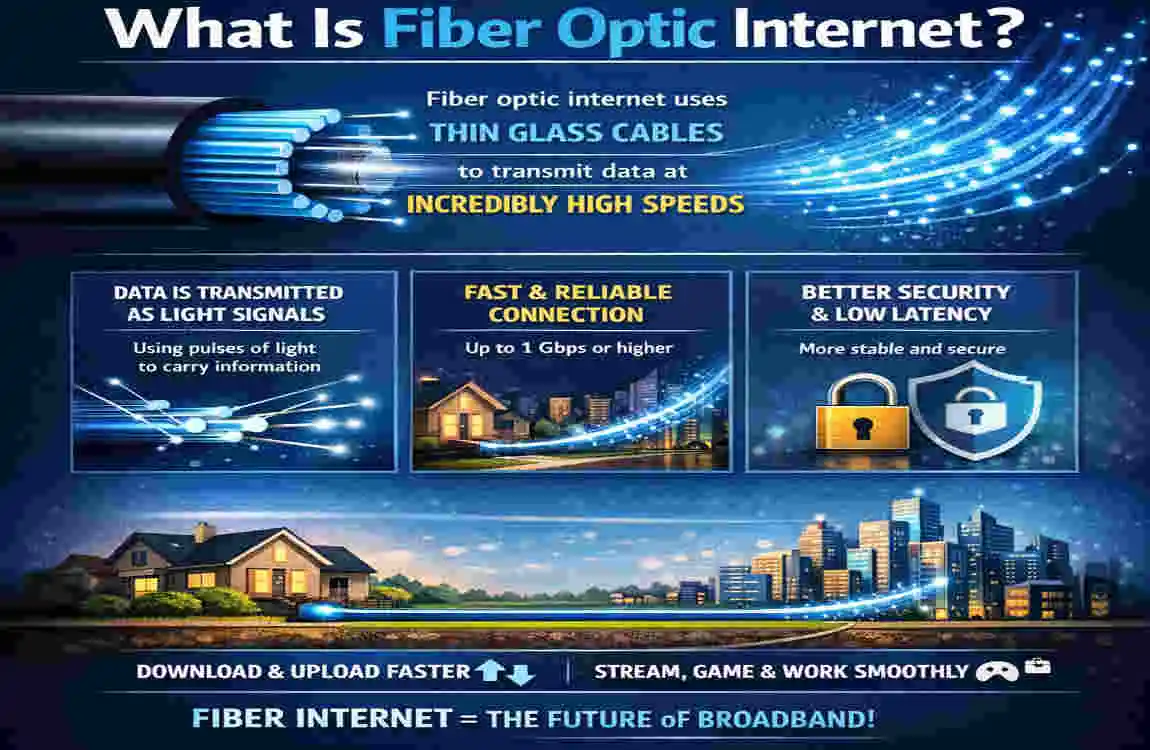
Fiber optic internet sends data through thin strands of glass using light signals. That is why it is so fast. Light travels quickly and carries a lot of information, which gives fiber its strong performance.
This setup is different from older internet systems that use copper wires. Copper moves electrical signals, while fiber uses light. That difference is one reason fiber is often more reliable and faster.
Fiber vs Cable vs DSL
Fiber is usually the fastest and most stable option. Cable internet is common and works well, but it can slow down when many people in the area are online. DSL is older and usually slower than both fiber and cable.
If you want strong speeds for streaming, gaming, or remote work, fiber is often the best choice.
Why Homeowners Are Switching to Fiber
People are moving to fiber for a few simple reasons:
- Faster download and upload speeds
- Better performance for multiple devices
- More stable internet connection
- Less lag during video calls and gaming
Do I Need to Rewire My House for Fiber Optic?
The Short Answer
Most homes do not need complete rewiring. Fiber usually comes into the home through a single line. From there, your router and inside wiring handle the rest.
When No Rewiring Is Needed
You usually do not need rewiring if your home already has:
- Good Ethernet wiring
- A central place for the router
- Wi-Fi coverage that works well
- A modern setup with little wear or damage
Situations Where Limited Wiring May Be Required
Some homes need a few small updates, not a full rewire. For example, you may need new Ethernet cables if your current ones are old or too slow for your plan.
You might also need extra wiring if your router is far from the rooms where you use the internet most.
Does an Older House Need Rewiring?
Not always. Older homes can still get fiber. The fiber line itself does not care how old the house is. The bigger issue is whether the inside wiring can carry the signal well after it enters the home.
Key Takeaway:
Fiber internet does not usually require full home rewiring. Most of the time, only a small part of your setup needs attention.
How Fiber Internet Is Installed in a Home
Bringing Fiber from the Street
A technician usually runs the fiber line from the street or utility point into your home. This is often the only new cable that must be installed.
Installing the Optical Network Terminal (ONT)
The ONT is the device that converts the fiber signal into a form your home equipment can use. Think of it as the bridge between the fiber line and your router.
Connecting Your Existing Router
Once the ONT is installed, it connects to your router. If your router is modern, you may not need anything else.
Using Existing Ethernet Wiring
If your house already has Ethernet cables, they may work very well with fiber. This is one of the easiest ways to spread fast internet through multiple rooms.
When Might House Rewiring Be Necessary?
Homes With Only Telephone Wiring
If your house mainly uses old telephone wires, you may need new cabling. Telephone wiring is not built for high-speed fiber internet.
Poor-Quality Ethernet Cables
Old or damaged cables can limit your speed. If you want the full benefit of fiber, upgrading to Cat6 or Cat6a is often a smart move.
Large Multi-Story Homes
Big houses sometimes need extra wiring or additional access points to keep the signal strong in every room.
Home Renovation Projects
If you are already remodeling, it may be a good time to improve your network wiring. This makes future upgrades easier.
Existing Home Wiring and Fiber Compatibility
Existing Wiring Compatible with Fiber Upgrade Needed
Fiber Cable Yes No
Cat6 Ethernet Yes No
Cat5e Ethernet Usually Rarely
Coaxial Cable Sometimes Depends
Telephone Wire No Usually Yes
Benefits of Upgrading Your Home Network
Faster Speeds
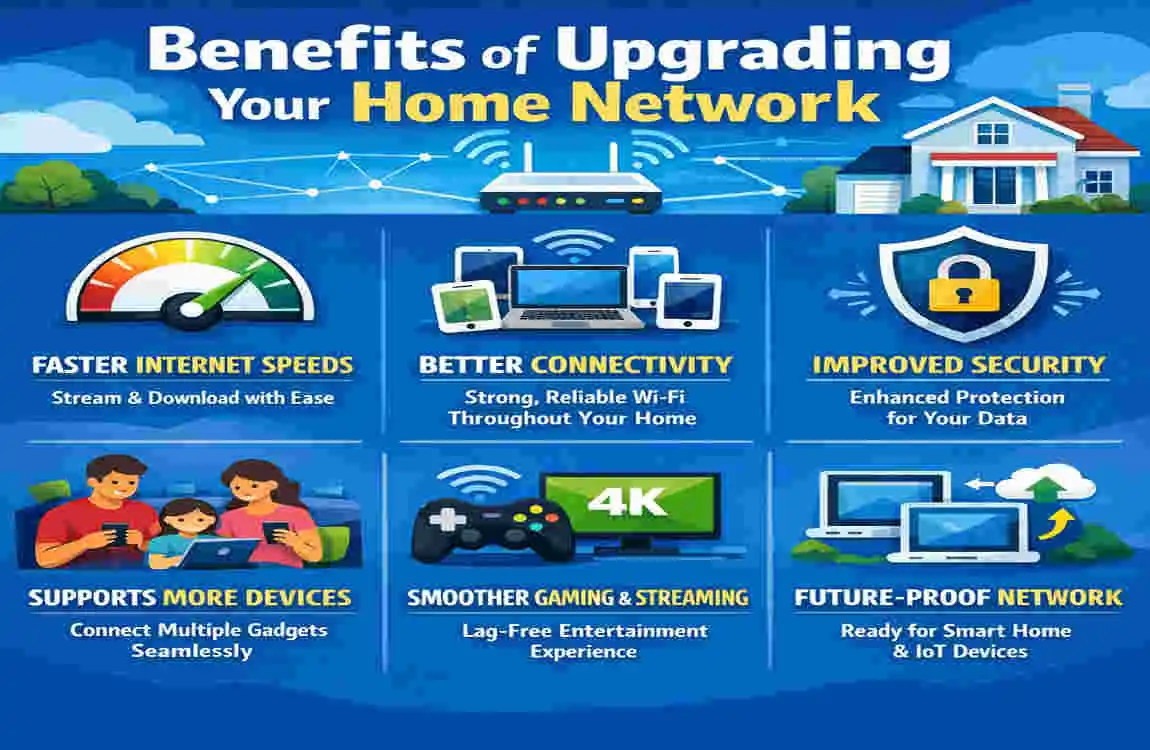
Fiber can support very fast internet, but your home setup must also be able to keep up. Better wiring helps you get the speed you are paying for.
Better Wi-Fi Coverage
A strong network layout improves coverage in different rooms. That means fewer dead zones and fewer annoying dropouts.
Reliable Video Streaming
If your family streams movies or TV often, fiber makes the experience smoother and more consistent.
Improved Gaming Experience
Gamers benefit from lower lag and a more stable connection. Wired Ethernet is often the best option here.
Smart Home Performance
Smart lights, cameras, thermostats, and speakers all run better when the network is strong and stable.
Fiber Installation Cost and Possible Rewiring Costs
Standard Fiber Installation
Basic fiber installation is often included by the internet provider, especially when the line already reaches your area.
Ethernet Cable Installation
If you need new Ethernet cables inside the house, the cost depends on how many rooms you want to connect.
Full Home Network Upgrade
A larger upgrade with new wiring, switches, and router equipment costs more but can deliver much better performance.
Factors Affecting Cost
The final cost depends on:
- Home size
- Type of existing wiring
- Number of rooms needing coverage
- Whether walls must be opened
- Labor rates in your area
Signs Your Home May Need New Wiring
Frequent Internet Dropouts
If your connection keeps cutting out, weak or outdated wiring may be part of the problem.
Slow Wired Connections
If wired devices are still slow even with fiber, the inside cables may be limiting performance.
Damaged or Old Network Cables
Frayed, bent, or very old cables can reduce speed and stability.
Renovated or Expanded Homes
If your home was changed over time, the network layout may no longer fit your needs.
Can You Install Fiber Internet Yourself?
Professional Installation
A professional usually installs the actual fiber line and ONT. This is the safest and most common method.
DIY Network Setup After Installation
You can often handle simple setup tasks yourself, like placing the router or connecting Ethernet cables.
Safety Considerations
Do not handle fiber lines carelessly. They are delicate, and the installation should usually be left to trained technicians.
Tips to Prepare Your Home for Fiber Internet
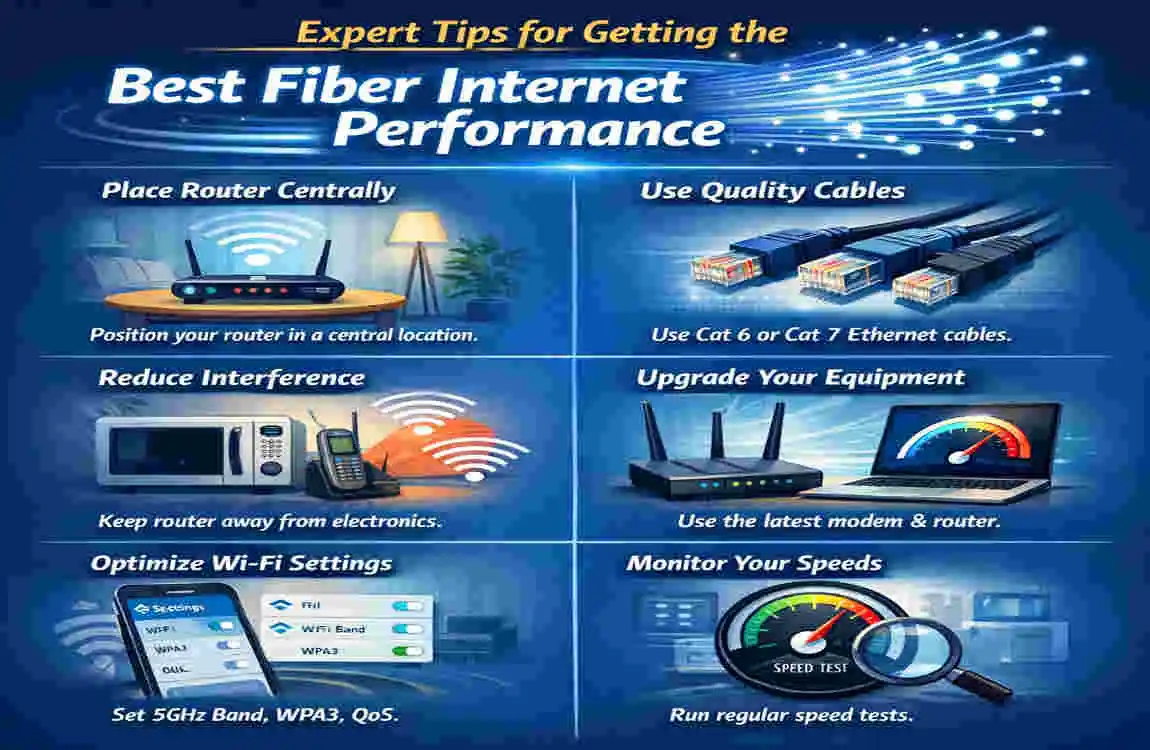
- Choose a central router location
- Upgrade to Cat6 Ethernet where possible
- Reduce Wi-Fi interference
- Test your current network first
- Plan for future smart devices
Common Myths About Fiber and House Rewiring
Every Home Needs Complete Rewiring
This is not true. Most luxury homes only need the fiber line installed and a good internal setup.
Fiber Only Works With New Homes
Old homes can absolutely get fiber if the service is available in the area.
Old Houses Can’t Get Fiber
Age alone does not stop fiber installation. The inside wiring may need attention, but the home itself can usually still support it.
Wi-Fi Alone Always Gives Full Fiber Speeds
Wi-Fi is convenient, but it may not always deliver the full speed. Wired Ethernet often gives better performance.
Frequently Asked Questions
Do I need to rewire my house for fiber optic?
Usually no. Most homes only need fiber installed to the ONT, while existing Ethernet or Wi-Fi handles the rest.
Can fiber internet use existing Ethernet cables?
Yes. Cat5e and Cat6 cables usually work well with fiber internet.
Does fiber internet replace all the wiring in my house?
No. Fiber typically runs to the ONT, and your home network then distributes the connection.
Can old homes get fiber internet?
Yes. Older homes can usually receive fiber, though some may need Ethernet upgrades.
Is Wi-Fi enough for fiber internet?
For many users, yes. But wired Ethernet is still best for gaming, streaming, and home offices.
What’s the best Ethernet cable for fiber internet?
Cat6 or Cat6a is usually the best choice for strong performance and future-proofing.
| Question | Answer |
|---|---|
| Does fiber optic internet require house rewiring? | Usually no. Most homes do not need complete rewiring to install fiber internet. |
| How does fiber enter the home? | A fiber optic cable is run from the provider’s network to an Optical Network Terminal (ONT) installed inside or outside the house. |
| Is existing Ethernet wiring enough? | Yes. If your home already has Cat5e, Cat6, or newer Ethernet cables, they can usually be used with fiber service. |
| Can Wi-Fi work without new wiring? | Yes. The fiber connection links to a Wi-Fi router, allowing wireless internet throughout the home. |
| When is rewiring necessary? | Rewiring may be needed if your home has outdated wiring, poor cable placement, or you want wired Ethernet connections in multiple rooms. |
| Who handles the installation? | Your internet service provider (ISP) typically installs the fiber line and ONT during setup. |
| Benefits of fiber internet | Faster speeds, lower latency, greater reliability, and support for multiple connected devices. |
| Typical installation time | Most residential fiber installations take 2–4 hours, depending on the home’s layout. |
| Key takeaway | In most cases, fiber optic internet does not require complete house rewiring, making installation quick and convenient. |